With the growth of VR video and interactive toys, you may have seen the word “Funscript” more and more often.
- How does the device actually stay in sync with the video?
- What’s the real difference between single-axis and multi-axis motion?
This article explains the mechanics of synchronization from a neutral, technical point of view so that even first-time users can understand what is happening under the hood.
1. What Is Funscript?
At its core, Funscript is a simple text format that describes motion over time.
Each action in a Funscript consists of:
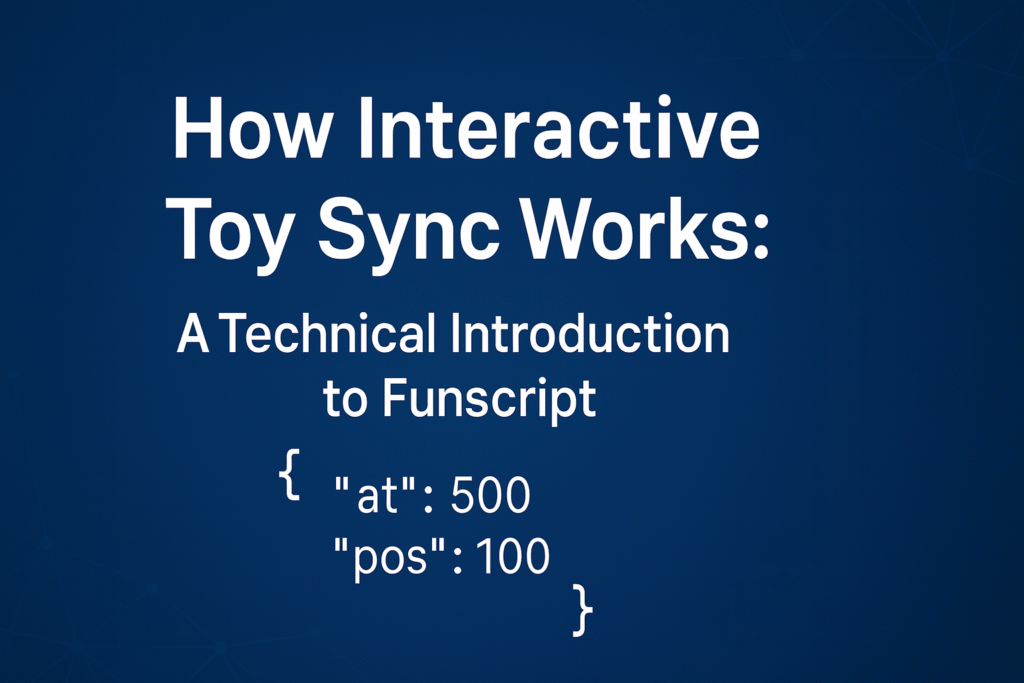
at– time from the start of the video (in milliseconds)pos– relative position of the device (0–100)
A minimal example:
{
  "version": "1.0",
  "inverted": false,
  "range": 90,
  "actions": [
    { "pos": 0,   "at": 100 },
    { "pos": 100, "at": 500 }
  ]
}
Here:
posis the relative position of the moving part (0–100 %)atis the elapsed time since the video started (ms)
As long as the video timeline and the Funscript timeline are aligned, the device can move in perfect sync with the on-screen action.
2. The Three Pillars of Sync: Player, Script, Device
Any synchronized playback always needs these three components:
① Playback player
The player manages video playback and script timing, then sends commands to the device:
- runs on PC, smartphone, or VR headset
- keeps track of the current video time
- reads positions from one or more Funscript files and outputs them to the device
② Funscript (motion data)
This is the actual motion data:
- A Funscript file usually describes one axis of motion
- Multi-axis motion is typically represented by multiple Funscript files—for example:
- Stroke.funscript
- Pitch.funscript
- Roll.funscript
- Twist.funscript
③ Device
The interactive device physically executes the motion defined in the scripts:
- from simple single-axis strokers
- to advanced multi-axis robots with several degrees of freedom
Only when all three work together—player, Funscript, and device—do you get smooth, synchronized motion.
3. Single-Axis vs Multi-Axis Funscript (and How Devices Use Them)
Before talking about hardware differences, it’s useful to clarify how single-axis and multi-axis motion is represented at the script level.
Single-axis Funscript
- Contains motion data for one axis only, usually up/down Stroke
- This is the most common type of script on video sites
- Many players and devices are built around this format
In this setup, the device simply interpolates pos values over time for a single actuator.
Multi-axis Funscript
Multi-axis motion takes the same idea and extends it across multiple files:
- Stroke (up/down)
- Pitch (tilt forward/back)
- Roll (tilt left/right)
- Surge (slide forward/back)
- Sway (slide left/right)
- Twist (rotation), etc.
Each axis has its own Funscript file, and the player keeps them synchronized on the same timeline.
This gives you:
- more natural, “human-like” motion
- richer three-dimensional patterns
- but also higher complexity when creating and playing back scripts
How this maps to devices
Now the hardware side:
- Single-axis devices
- Implement one physical degree of freedom (Stroke only)
- Can use only a single Funscript file
- Easy to set up and widely supported
- Examples: The Handy, Kiiroo Onyx+, Fleshlight Launch
- Multi-axis devices
- Implement several axes (Stroke + Pitch / Roll / Twist, etc.)
- Can respond to multiple Funscript files at once
- Provide more three-dimensional, lifelike motion
- Fewer manufacturers, more advanced user base
- Examples: FunOSR, SyncBot, MiraBot and other OSR-derived robots
Because high-quality multi-axis scripts are still rare, some modern apps use the phone’s gyroscope to add multi-axis assistance on top of a normal single-axis Funscript. This approach lets users enjoy more 3D motion even with the huge library of existing single-axis content.
4. Playback Environments: PC, VR, and Smartphone
How you use Funscript in practice depends heavily on your playback environment.
Here are the three major approaches.
① PC + dedicated player software
Pros
- Supports both single-axis and multi-axis Funscripts
- Advanced settings for:
- delay / offset
- scaling and limits
- smoothing / filtering
- custom axis mapping and game integration
- Ideal for power users and multi-axis robots
Cons
- Requires a PC
- Initial setup can be complex for beginners
Representative software
- MultiFunPlayer (MFP)
- Funscript Player and similar desktop tools
- MiraPlay Web – browser-based control and sync for OSR-style and MiraBot devices, without installing extra PC software
② Standalone VR headsets (e.g., Quest series)
Pros
- Highest level of immersion
- Wireless viewing and head tracking
- Some apps can output motion data directly to supported devices
Cons
- Requires a supported VR headset
- For multi-axis devices, control often still goes through a PC bridge for best performance
Representative apps
- HereSphere
- DeoVR
③ Smartphone-only playback apps
A rapidly growing category is smartphone apps that:
- play VR or regular videos
- load Funscripts
- connect directly to your device over Bluetooth (BLE)
Pros
- No PC or dedicated VR headset required
- Everything runs on a single smartphone
- Easy to set up, beginner-friendly
- Some manufacturers provide these apps for free
Cons
- Feature set can vary widely between apps
- For advanced use cases (e.g., complex game integration), PC software is still more flexible
- Only a few apps currently support true multi-axis control
Representative apps
- Handy Universe
- Lovense Remote
- MiraPlay AiO – designed for OSR-style multi-axis robots such as MiraBot; can play single-axis scripts and add multi-axis motion using the phone’s gyro
5. Creating Your Own Funscripts
If you want to go beyond consuming existing scripts, you can create your own.
There are two main approaches: manual editing and motion capture.
Manual editing with OpenFunscripter (OFS)
The most widely used editor today is OpenFunscripter (OFS).
Main features:
- Manual keyframe editing on a timeline
- Smooth motion shaping using Bézier curves
- Support for multi-axis tracks
- Immediate export and test playback
However, crafting high-quality multi-axis scripts by hand is very time-consuming. Turning a full video into a polished multi-axis script purely through manual editing is rarely practical.
Motion capture and automated recording
To reduce the workload, some creators turn to motion capture:
- Using 3D tools like Blender to animate a model and export multi-axis data
- Or using dedicated tools that record controller movement in real time
An example of the latter is the Multi-Funscript Recorder for T-Joy:
- Connects a T-Joy style controller
- Records your hand movement live as multi-axis motion
- Outputs multiple Funscript files (Stroke, Pitch, Roll, etc.) at once
This kind of tool is especially useful for OSR-style robots and devices like MiraBot, where several axes are available and real-time capture can produce more organic, human-like motion patterns.
These workflows can generate impressive multi-axis results, but they still require some technical understanding and experimentation.
6. Practical Tips for a Comfortable Experience
Regardless of your device or player, a few best practices will greatly improve comfort and safety:
- Secure mounting
Use a proper mount or stand so the device doesn’t move or tip over during use. - Avoid extreme speeds and strokes
Aggressive settings can increase noise, wear, and discomfort. Start conservative and adjust gradually. - Align video and script precisely
Use delay/offset settings in your player until the motion matches the visual timing. - Stabilize your connection
Whether wired or wireless, a stable connection is essential for consistent sync. - Use smoothing when needed
If a script feels jerky or noisy, enable smoothing or filtering options in your player to make motion more fluid — this is especially important for multi-axis robots.
For multi-axis devices in particular, the smoothness and coordination between axes has a huge impact on perceived quality.
Summary
- Funscript is essentially a list of time (
at) and position (pos) instructions.
One axis usually corresponds to one file, and multi-axis motion uses multiple files in parallel. - Synchronization relies on three elements working together:
player software, Funscript data, and the interactive device. - Single-axis content is abundant and easy for beginners,
while multi-axis offers richer, three-dimensional motion but requires compatible hardware, tools, and scripts. - Common playback environments include:
- PC players (e.g. MultiFunPlayer, Funscript Player, MiraPlay Web) for maximum flexibility
- VR apps (HereSphere, SLR, DeoVR) for immersion
- smartphone apps (Handy Universe, Lovense Remote, MiraPlay AiO) for convenience and wireless use
- For creators, tools like OpenFunscripter and motion-capture solutions such as the Multi-Funscript Recorder for T-Joy make it possible to design custom motion profiles, from simple single-axis scripts to complex multi-axis patterns.
By understanding how Funscript, players, and devices work together, you can choose the right setup—whether that’s a simple single-axis toy or a full multi-axis robot such as MiraBot—and get the most out of synchronized interactive experiences.