Blog

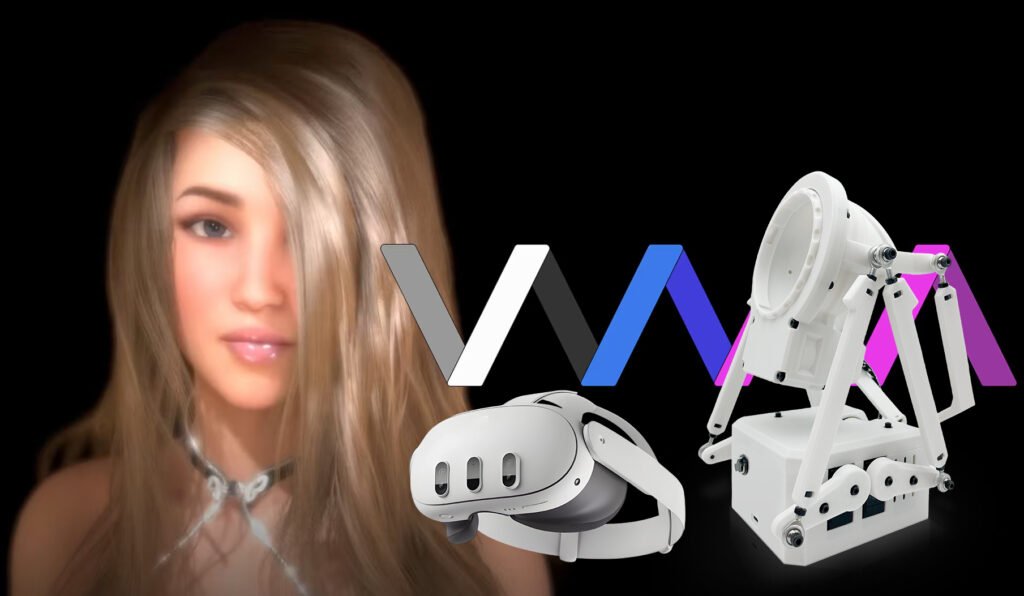
[Complete Interactive Game Guide] How to Sync MiraBot with Virt-a-Mate (VaM)

Experience the Hottest Interactive Adult Gaming—Right at Home In this guide, we’ll walk you through a powerful new way to enjoy interactive adult gaming by combining the immersive PC game Virt-a-Mate (VaM) with the physically responsive device MiraBot. Even if you’re new to VaM or OSR-style devices, don’t worry—this article explains everything step by step.By […]

[Complete Interactive Game Guide] How to Sync MiraBot with Virt-a-Mate (VaM) Read More »
what is funscript

How Interactive Toy Sync Works: A Technical Introduction to Funscript

With the growth of VR video and interactive toys, you may have seen the word “Funscript” more and more often. This article explains the mechanics of synchronization from a neutral, technical point of view so that even first-time users can understand what is happening under the hood. 1. What Is Funscript? At its core, Funscript

How Interactive Toy Sync Works: A Technical Introduction to Funscript Read More »

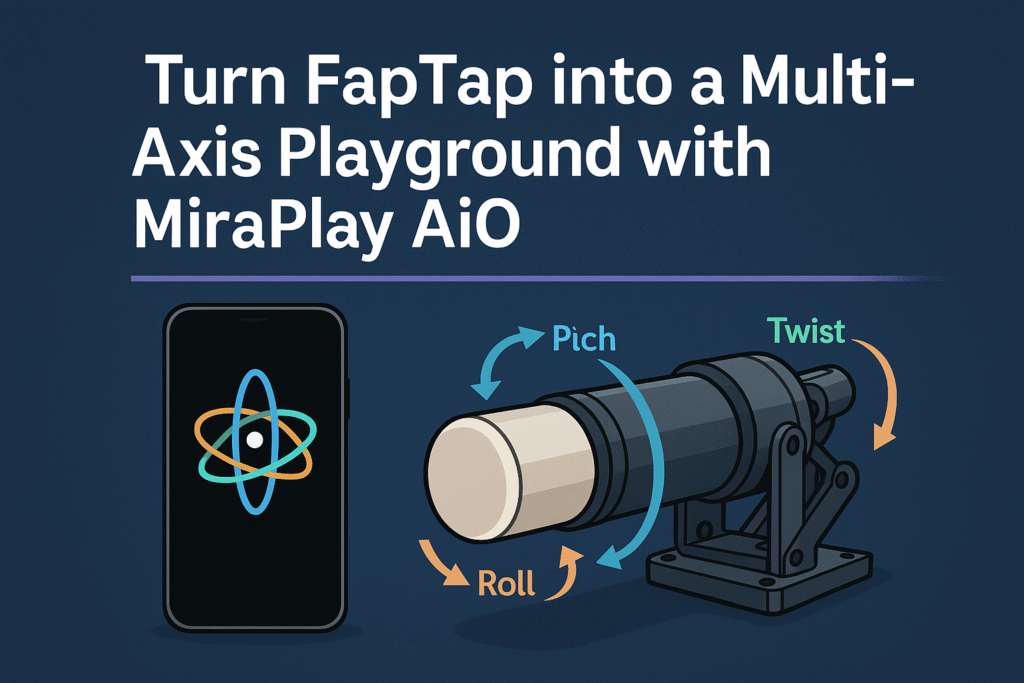
Turn FapTap into a Multi-Axis Playground with MiraPlay AiO

If you already use FapTap with an OSR or SR6-style device, you probably know the biggest limitation:almost everything is still single-axis. MiraPlay AiO’s Multi-Axis Assist feature solves that in a very simple way — by using your smartphone’s gyroscope to add real-time Pitch, Roll, and Twist on top of any normal single-axis funscript. In this

Turn FapTap into a Multi-Axis Playground with MiraPlay AiO Read More »

MiraPlay AiO User Guide v1.7.0

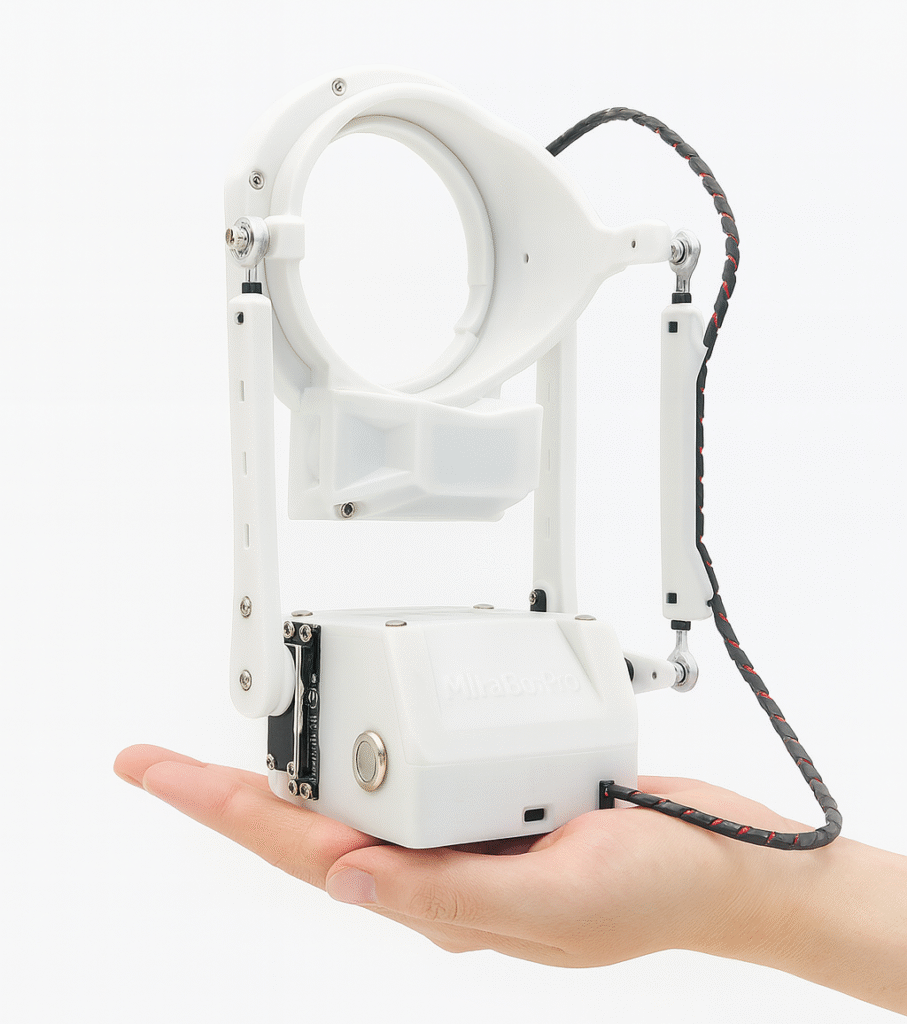
What is MiraPlay AiO? MiraPlay AiO is our all-in-one control platform designed specifically for multi-axis interactive robots such as MiraBot and other OSR-based devices.But it’s far more than a controller — it turns your smartphone into the brain of the entire system, allowing your device and robot to operate as one intelligent, integrated unit. Traditionally,

MiraPlay AiO User Guide v1.7.0 Read More »

[Guide] Flashing MiraBot Firmware on Generic OSR Devices

⭐Prerequisites Note: This firmware supports standard OSR only (ESP32 Devkit, TempestMax original wiring). ⭐Flashing Steps 5. Once connected, select the appropriate firmware based on your device type. For example: Then click [START] to begin flashing the firmware. 6. Click [Disconnect], then unplug the USB cable. Note: The new firmware will take effect after you restart

[Guide] Flashing MiraBot Firmware on Generic OSR Devices Read More »

Shopping Cart