How to Use

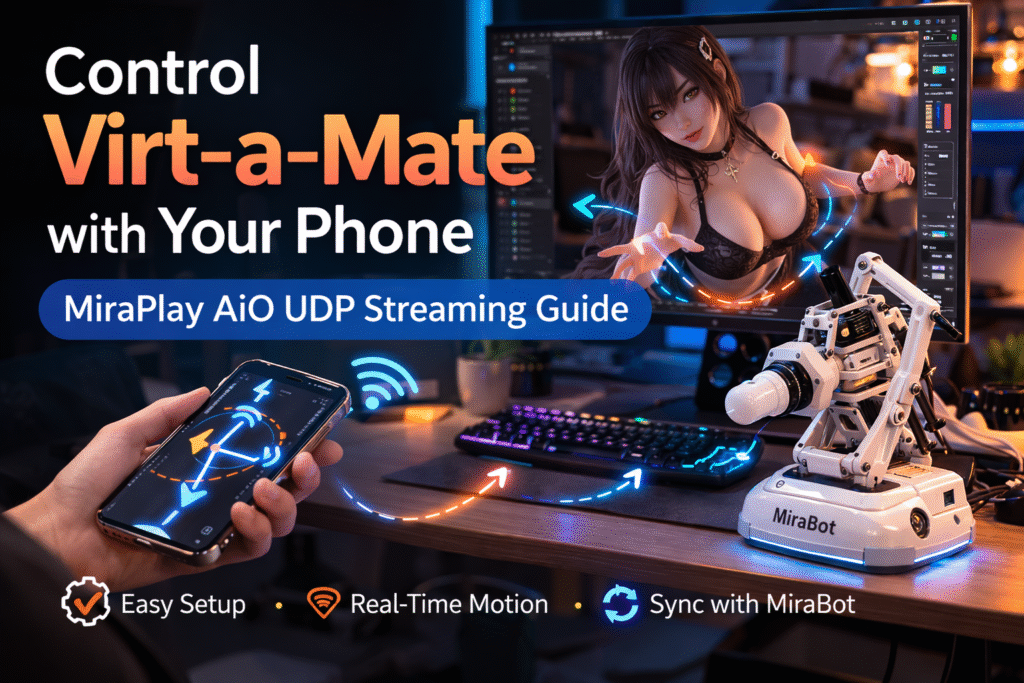
Control Virt-a-Mate Characters with Your Phone ー MiraPlay AiO UDP Streaming Guide

Virt-a-Mate (VaM) is one of the most popular platforms used with MiraBot and other OSR devices. The community has created thousands of high-quality characters, scenes, and animations, making VaM an incredibly rich ecosystem for interactive experiences. Previously, we published a setup guide:“How to Sync MiraBot with Virt-a-Mate.” While VaM scenes often look amazing, many users […]

Control Virt-a-Mate Characters with Your Phone ー MiraPlay AiO UDP Streaming Guide Read More »
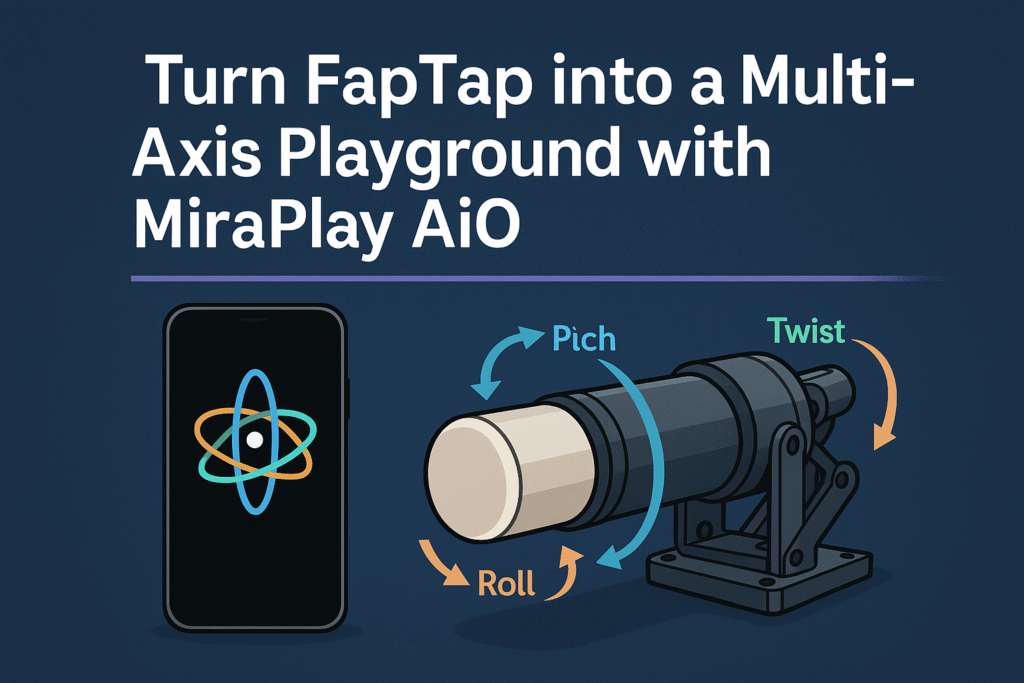
Turn FapTap into a Multi-Axis Playground with MiraPlay AiO

If you already use FapTap with an OSR or SR6-style device, you probably know the biggest limitation:almost everything is still single-axis. MiraPlay AiO’s Multi-Axis Assist feature solves that in a very simple way — by using your smartphone’s gyroscope to add real-time Pitch, Roll, and Twist on top of any normal single-axis funscript. In this

Turn FapTap into a Multi-Axis Playground with MiraPlay AiO Read More »

MiraPlay AiO User Guide v1.7.0

What is MiraPlay AiO? MiraPlay AiO is our all-in-one control platform designed specifically for multi-axis interactive robots such as MiraBot and other OSR-based devices.But it’s far more than a controller — it turns your smartphone into the brain of the entire system, allowing your device and robot to operate as one intelligent, integrated unit. Traditionally,

MiraPlay AiO User Guide v1.7.0 Read More »

[Guide] Flashing MiraBot Firmware on Generic OSR Devices

⭐Prerequisites Note: This firmware supports standard OSR only (ESP32 Devkit, TempestMax original wiring). ⭐Flashing Steps 5. Once connected, select the appropriate firmware based on your device type. For example: Then click [START] to begin flashing the firmware. 6. Click [Disconnect], then unplug the USB cable. Note: The new firmware will take effect after you restart

[Guide] Flashing MiraBot Firmware on Generic OSR Devices Read More »

Shopping Cart