MiraPlay AiO
The Mobile Control Hub for MiraBot
Connect, control, sync, and play multi-axis motion directly from your smartphone.



What MiraPlay AiO Can Do
Wireless Control
Connect MiraBot through Bluetooth LE or WiFi and control it from your phone.
Video Sync
Play videos with matching funscripts and let MiraBot move with the action.
Gesture Sync
Turn your phone movement into real-time MiraBot motion.
Online & Remote Play
Use script-based online play or create remote interaction sessions.
Why MiraPlay AiO Matters
Wire-free freedom
Cleaner setup and more space to enjoy
More ways to play
From local video sync to real-time interaction
Easy to use
Powerful features with an intuitive mobile experience
Built for MiraBot
Deep integration for the best multi-axis performance
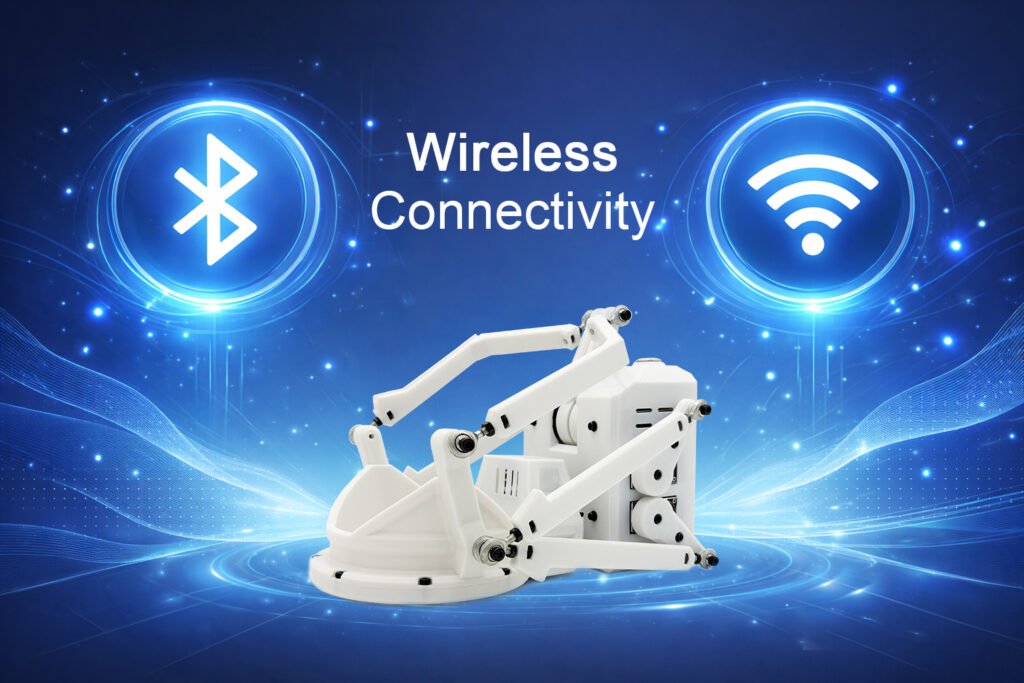
Wireless Device Connection
Bluetooth LE or Wi-Fi control from MiraPlay AiO.
MiraPlay AiO can connect to compatible devices wirelessly using either direct Bluetooth LE pairing or a local Wi-Fi network.
Bluetooth LE
Direct wireless pairing from your phone or tablet.
- No router setup required
- Fast and simple mobile connection
- Supports compatible BLE workflows, including SLR-compatible mode
Wi-Fi Connection
Local network connection for flexible device control.
- Works with compatible Wi-Fi firmware
- Supports UDP-based network control where available
- Suitable for local network setups and broader compatibility
Flexible for Different Setups
Choose Bluetooth LE for simple direct pairing, or Wi-Fi for network-based control through MiraPlay AiO.
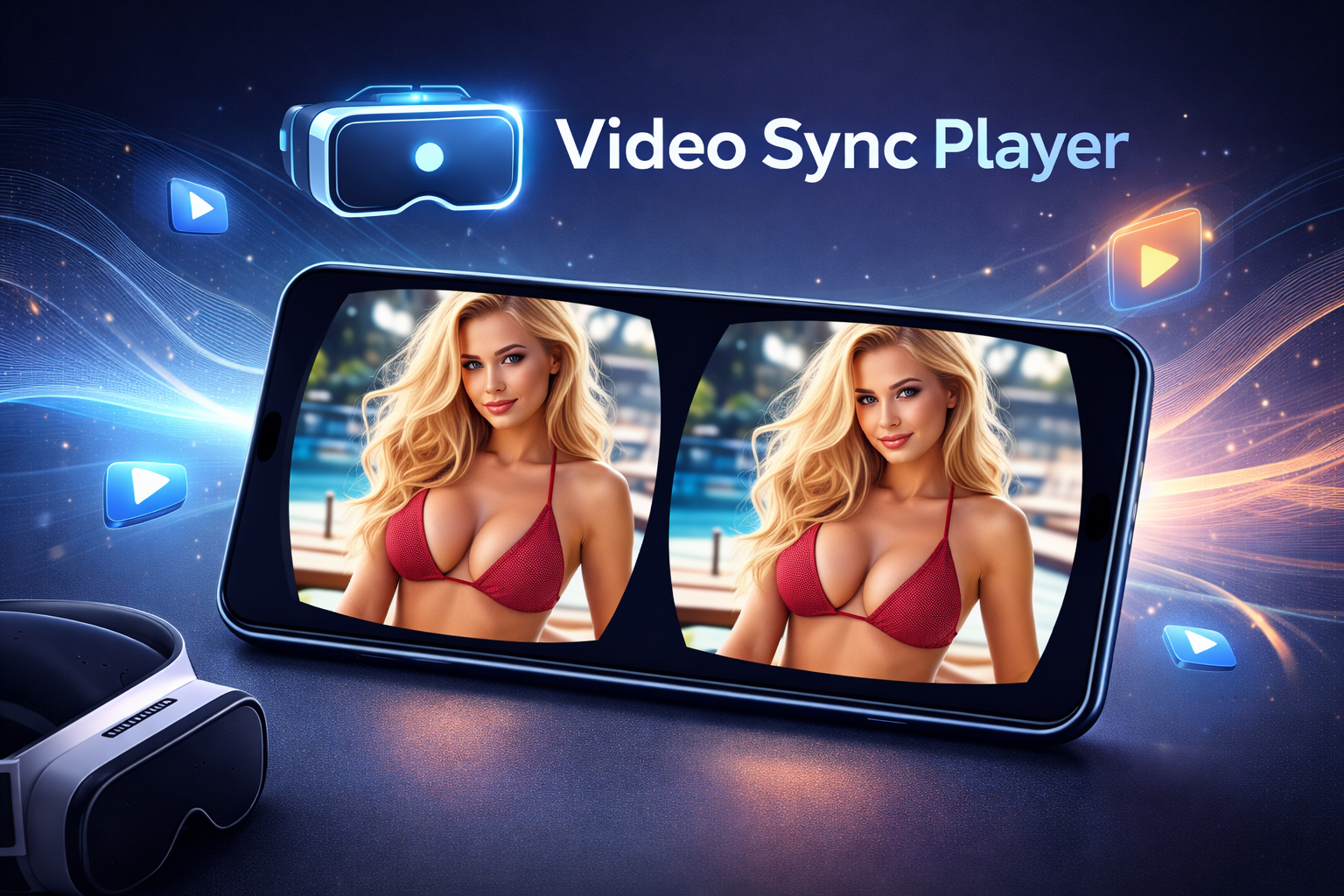
Video Sync Player
Immersive Multi-Axis Playback
Transform supported videos into synchronized multi-axis experiences.
- Sync funscripts with video playback
- Supports 2D, VR, SBS 3D, and 2D-to-3D conversion
- Up to 6 motion axes:
Stroke / Roll / Pitch / Surge / Sway / Twist - Adjustable timing offsets for precise alignment
- Playlist management
- Local file import + FTP transfer
From standard 2D content to full VR scenes, MiraPlay delivers immersive motion across multiple axes — all from your smartphone.
Real-Time Motion Control
Control. Create. Expand.
Turn your phone into a powerful live motion controller.
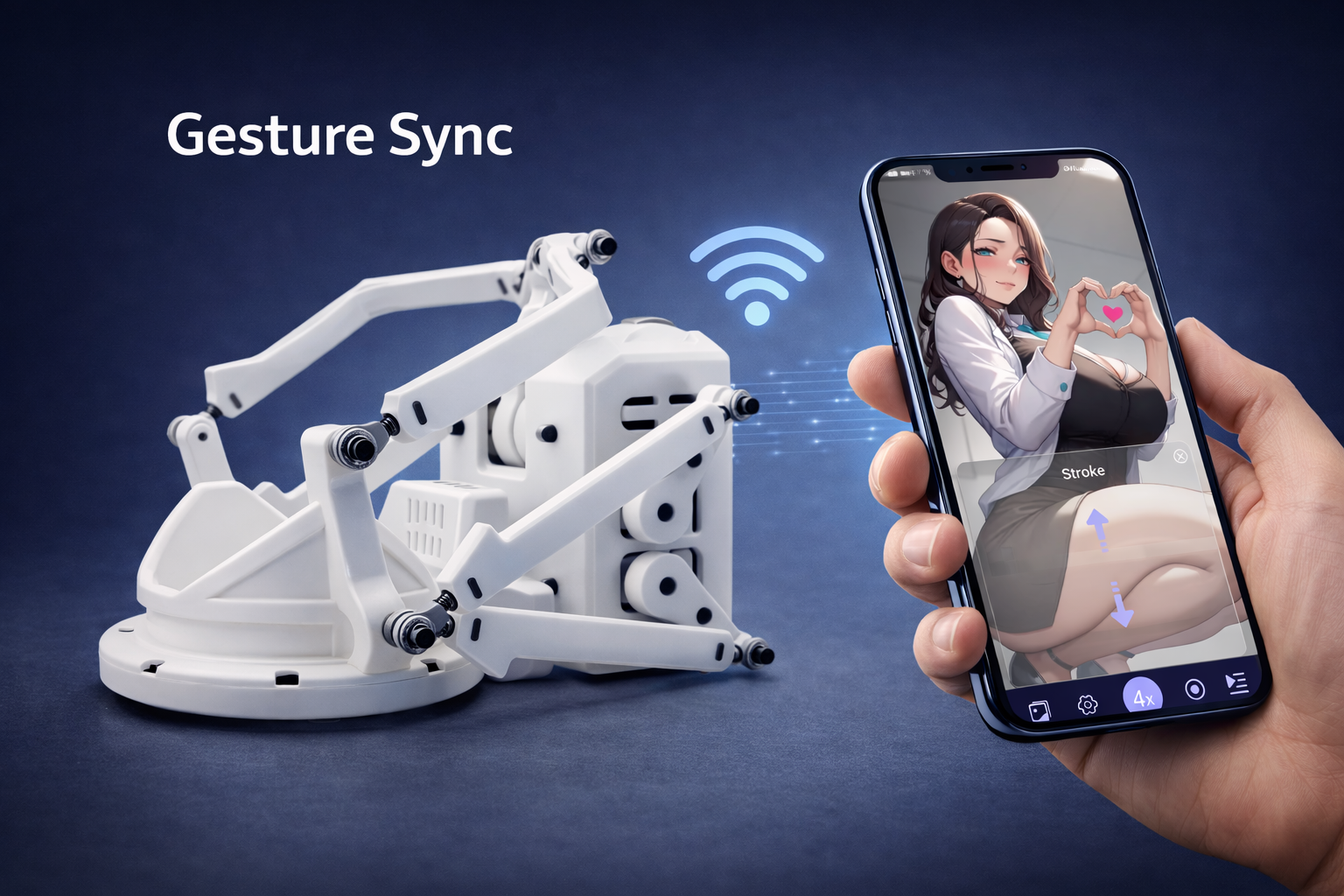
1. Gesture Sync
Control motion in real time using your phone’s gyroscope and touch input.
- Auto Mode – Easy one-hand control
- 4x Mode – More expressive real-time motion
- 6x Mode – Full multi-axis interaction
Designed for both intuitive play and advanced control.
2. Motion Recording & Playback
Create and replay custom multi-axis scripts in minutes.
- Capture live motion
- Generate full multi-axis scripts
- Replay your recorded motion anytime
A faster, more natural way to build motion content.
3. Multi-Axis Assist
Add Roll / Pitch / Twist to basic scripts in real time.
Turn simple motion into a richer multi-axis experience instantly.
4. UDP Streaming
Stream motion data to your PC via UDP.
Perfect for VaM workflows, DIY setups, and hybrid control experiments.
Online Play
Open. Download. Play.
A lighter and more flexible way to enjoy script-based playback with online content.
- Play scripts independently while browsing online videos or audio
- Download Funscripts directly and auto-group matching multi-axis files
- Use your own Motion Recording scripts for instant custom playback
Designed for convenience and freedom, Online Play lets you move from script discovery to playback in seconds — all on your phone.
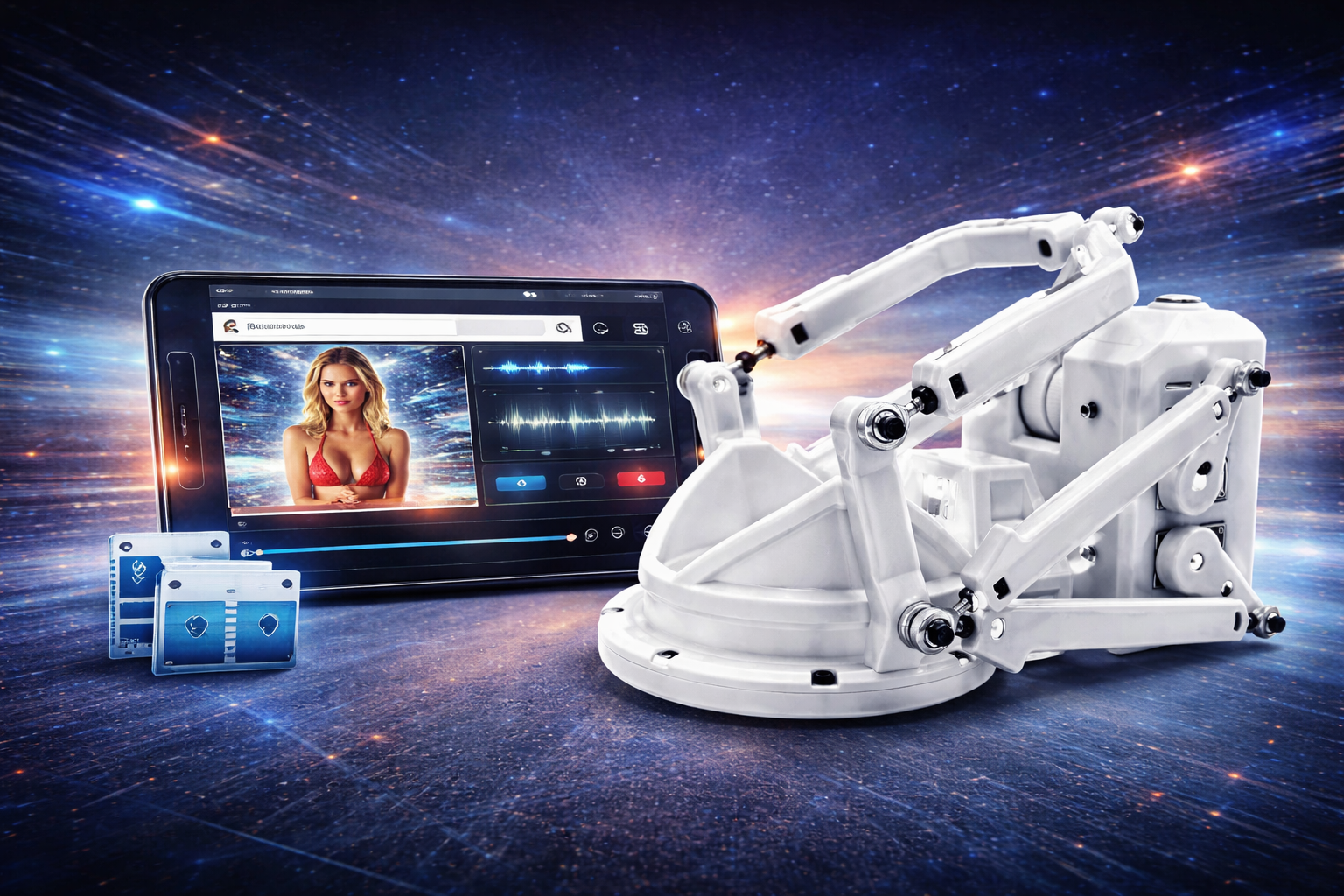
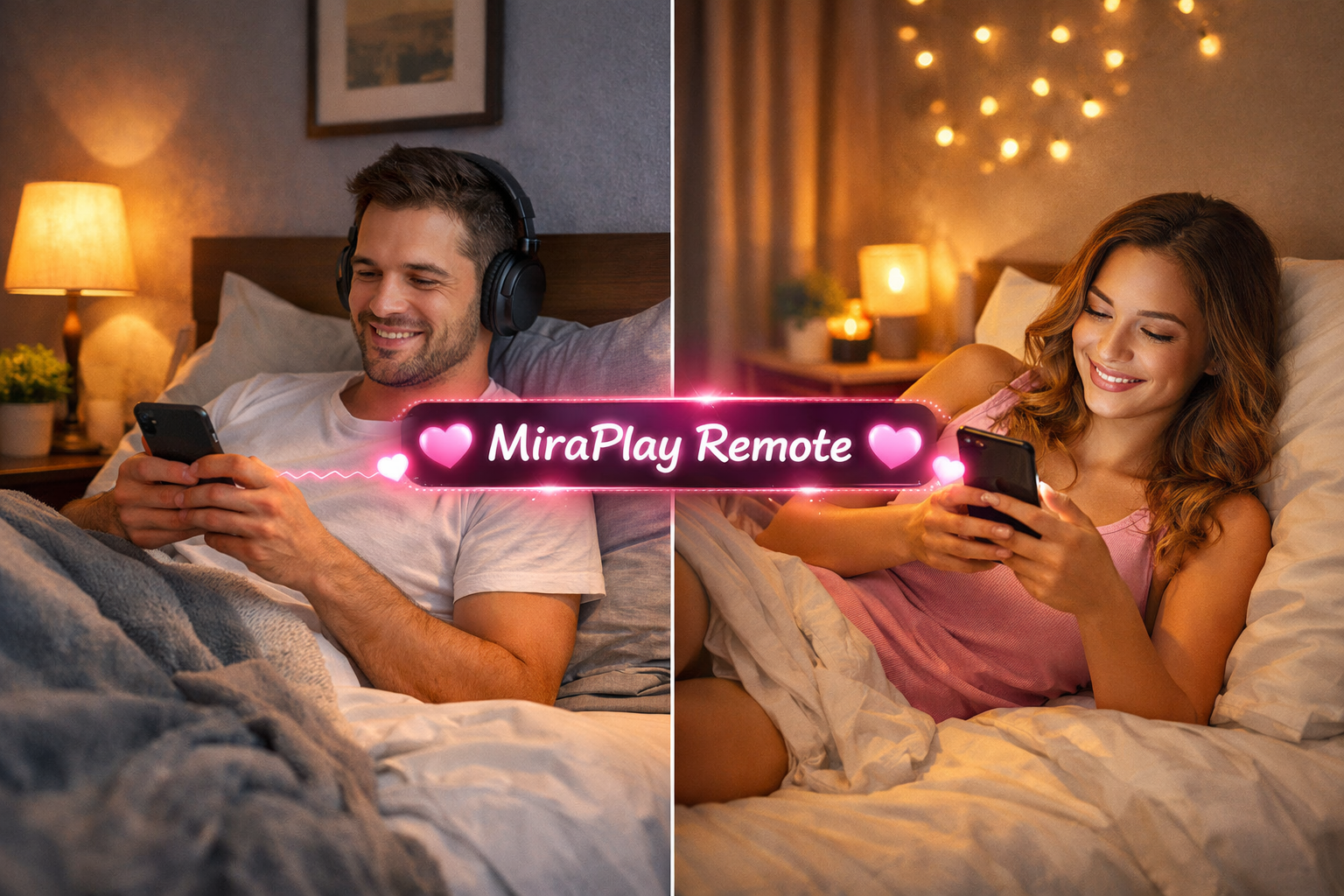
Remote Play (Beta)
Shared Motion, Real-Time Connection
Experience synchronized interaction with your partner — beyond basic vibration or piston movement.
Create and share private rooms
Gesture-based synchronized control
Real-time multi-axis motion sharing
Remote Play is currently in beta. Due to server resource limitations, occasional latency or connection instability may occur.
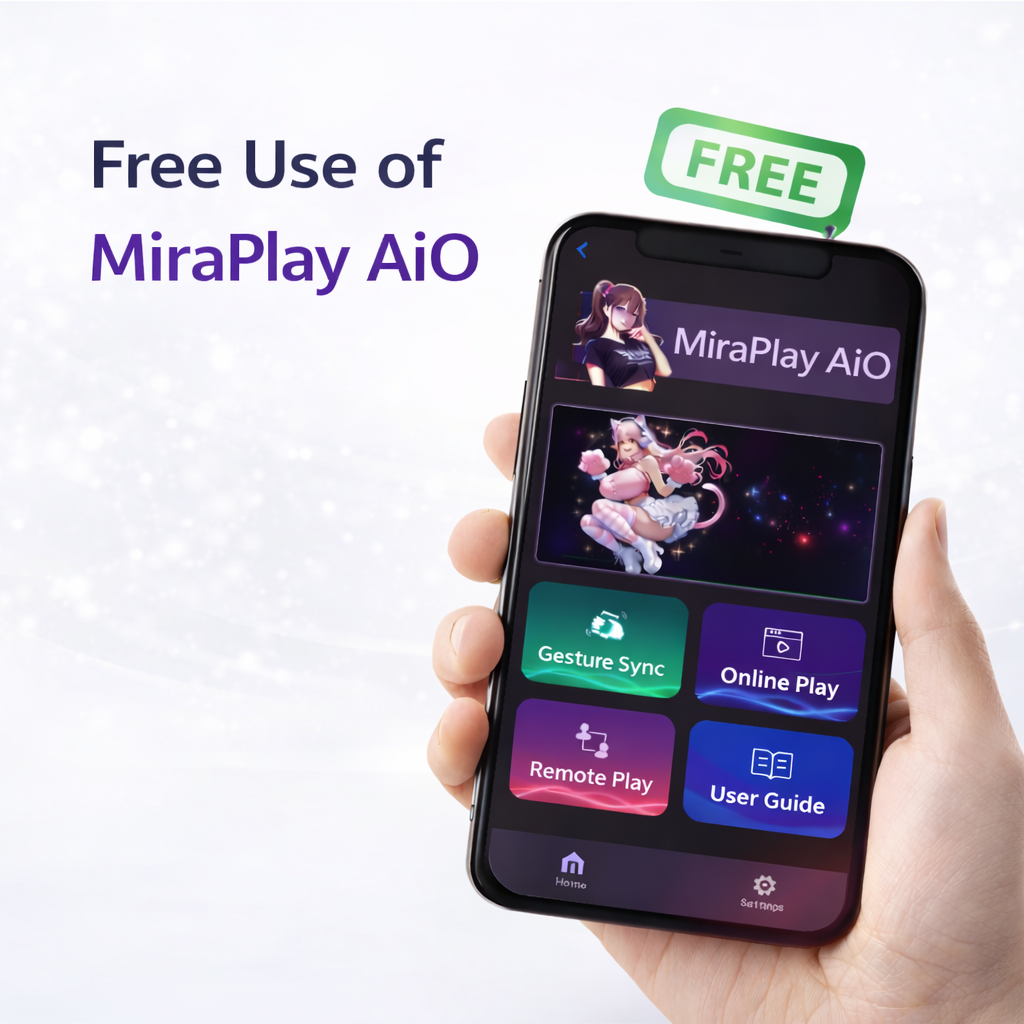
Free Access Policy
Designed to Grow With You
MiraBot S6 / Lite / S2+ Users
Full lifetime access to all MiraPlay AiO features.
Third-Party OSR Devices (OSR2+ / SR6)
Basic feature access is available.
Currently, during open testing, most features remain accessible.
Ready to Experience MiraPlay AiO with MiraBot?
Unlock the full potential of multi-axis motion
Looking for other compatible software?
Explore MiraPlay Web, firmware tools, and supported OSR-style workflows on the Related Software page.