
What Is MiraBot?

MiraBot Turns Videos, Games, and VR Content into Lifelike Multi-Axis Motion

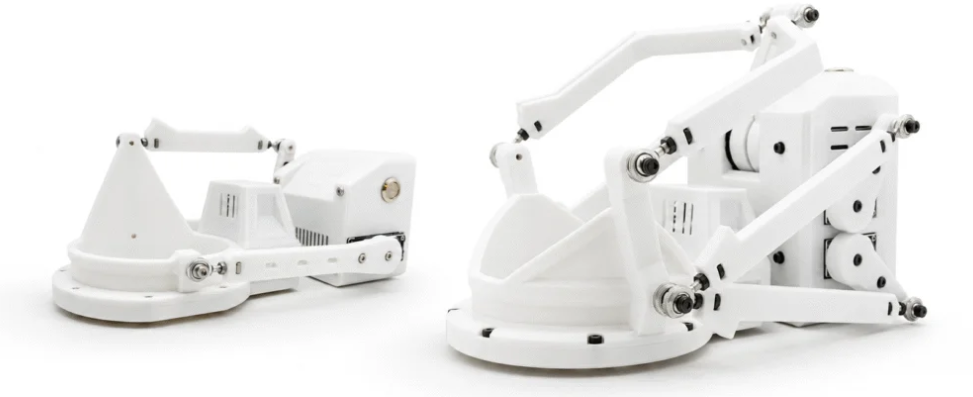
MiraBot is a Multi-Axis Interactive Robot that turns videos, supported games, and VR content into synchronized physical motion.

Compared with simple up/down devices, MiraBot delivers richer movement through multi-axis control and MiraPlay apps.

In Simple Terms

MiraBot is a motion robot that follows digital motion data. When a script, or app sends movement commends, MiraBot turns them into physical motion such as stroke, tilt, roll, and twist depanding on the model.

How MiraBot Works

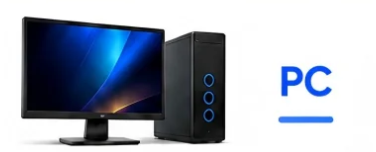
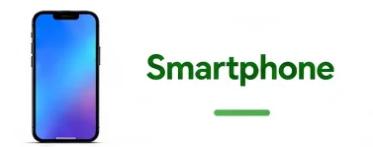
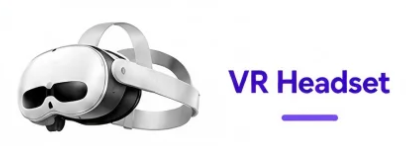
MiraBot connects to videos, supported games, VR content, and motion data from PC, Smart Phone, or VR platforms.

What Makes MiraBot Different

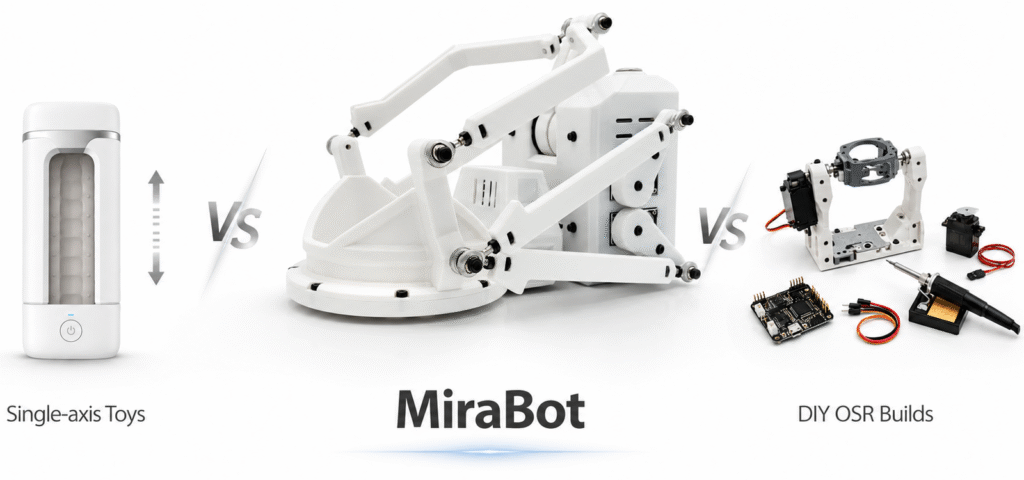
More motion than single-axis devices. Less DIY hassle than OSR builds. MiraBot gives users a finished, app-powered path to multi-axis interaction.
Beyond Basic Up/Down Motion

MiraBot vs Single-Axis Devices

Single-axis devices are simple and accessible, but MiraBot adds multi-axis movement, app-powered control, and a richer path to immersive interaction.

Category Single-Axis Devices MiraBot
Motion Up/down focused Multi-axis: Stroke, Roll, Pitch, Twist
Experience Basic and linear Richer, more natural interaction
Best For Simple playback setups Users who want deeper immersion
Expansion Limited on most devices Multiple models, apps, and accessories
Finished OSR-Style Experience

MiraBot vs DIY OSR Builds

DIY OSR is powerful and creative. MiraBot is for users who want that style of experience without turning setup into a project.

! DIY Trade-Offs

  • × Requires sourcing parts and tools
  • × Time-consuming assembly
  • × Firmware, wiring, and tuning work
  • × Support varies by build
  • × Ongoing maintenance and troubleshooting

MiraBot

  • Pre-built and tested
  • Official apps: MiraPlay Web & AiO
  • Cleaner finished-product design
  • Warranty & customer support
  • Regular updates and improvements

Is MiraBot Right for You?

MiraBot may be a good fit if you want...

Easy Start

A clearer path for users new to interactive devices.

More Motion

Go beyond basic up/down playback with multi-axis movement.

Less DIY Hassle

Enjoy OSR-style interaction without sourcing parts, wiring, and tuning.

VR & Funscript Sync

Sync supported videos, VR content, and funscripts with physical motion.

Official Apps & Support

Use MiraPlay apps with ongoing updates, tutorials, and customer support.

Which MiraBot Is Right for You?

Start compact with MiraBot Lite, or go further with the full 6-axis MiraBot S6 experience.

MiraBot Lite

Best for first-time users
・Compact multi-axis motion: Stroke, Roll, Pitch, Twist
・Great for beginners and first-time OSR users
・Smaller footprint, easier setup
・Works with MiraPlay apps and popular funscript workflows

MiraBot S6

Best for deeper immersion experiences
・Full 6-axis motion: Stroke, Roll, Pitch, Surge, Sway, Twist
・Wider motion range and stronger performance
・Built for advanced VR, scripts, and multi-axis workflows
・Best for users who want the most complete MiraBot experience

Beginner FAQ

What can I use MiraBot with?

Videos, VR content, funscripts, supported games, and real-time motion data through MiraPlay apps and OSR-style workflows.

Do I need to build anything myself?

No. MiraBot is pre-built and tested, so you do not need to source parts, assemble hardware, or tune a DIY OSR build.

Is MiraBot beginner-friendly?

Yes. Start with MiraPlay apps, then explore advanced PC, VR, and OSR-style workflows when you are ready.

How is it different from single-axis devices?

Single-axis devices mainly move up and down. MiraBot adds multi-axis motion for a richer, more natural experience.

Can I use MiraBot without a PC?

Yes, smartphone workflows are supported via MiraPlay AiO. A PC is recommended for advanced apps, mods, and OSR-style setups.

Which model should I choose?

Choose Lite for an easier first step. Choose S6 for the full 6-axis MiraBot experience.

Ready to start using MiraBot?

Explore setup guides, MiraPlay apps, and supported workflows.

Shopping Cart