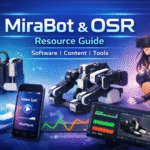
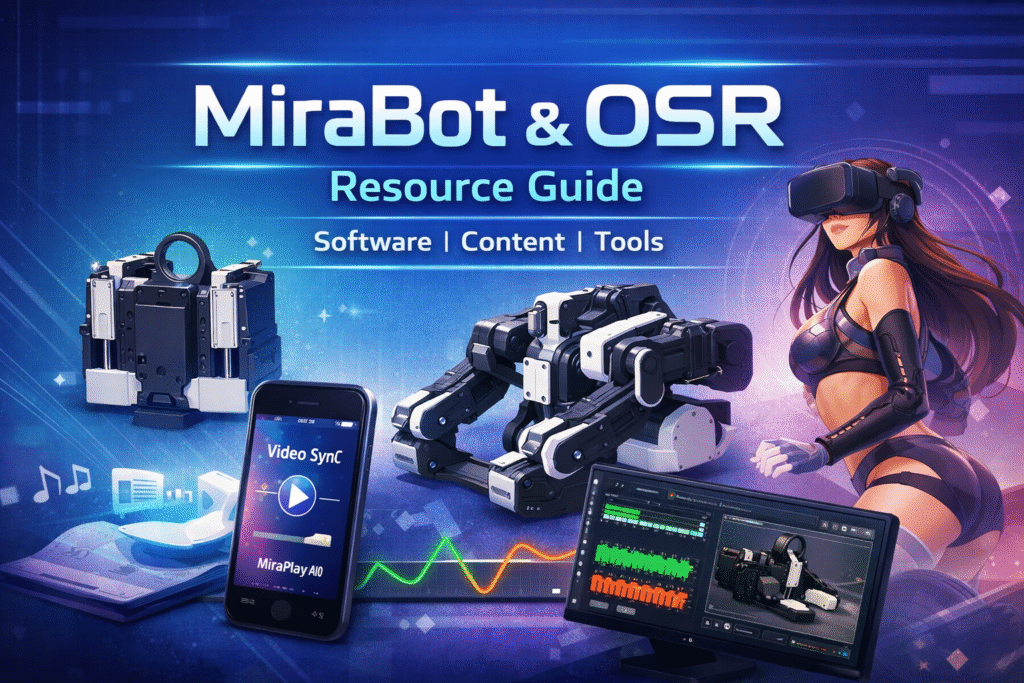
A practical starter guide for software, content, and tools (ongoing updates)
If you’re new to MiraBot or the OSR ecosystem, it’s completely normal to feel overwhelmed at first.
Multi-axis interactive robots are powerful, but the surrounding software, scripts, and content can feel fragmented — especially for beginners.
This guide is meant to lower the entry barrier by summarizing the most commonly used software, platforms, and resources currently available for MiraBot Lite / S6 and OSR-compatible devices.
Each section includes a brief explanation of what it is, who it’s for, and how it’s typically used.
This list will be updated as the ecosystem evolves.
1. Official MiraBot Software
🔸MiraPlay AiO (Mobile App)
Type: All-in-one smartphone app
Connection: Bluetooth (MiraBot Lite / S6)
MiraPlay AiO is MiraBot’s official mobile application developed in-house by MiraTec.
It’s designed to let users get started without a PC, while still supporting advanced multi-axis workflows.
Key features include:
- Video Sync (2D / 3D / VR)
- Gesture Sync (phone motion control)
- Motion Recording & Playback (multi-axis funscript creation)
- Online Play & Remote Play
- Continuous feature updates
Best for:
Beginners who want a simple start, and advanced users who want gesture-based or mobile-first workflows.
MiraPlay AiO can be installed directly from the App Store or Google Play.
For regions where it’s unavailable, we provide an official Android APK, so users can get started without extra steps.
🔸MiraPlay Web (Browser-based)
Type: Web app (PC browser)
Connection: USB (wired)
MiraPlay Web runs directly in a PC browser and currently focuses on Video Sync playback.
It includes built-in funscript playback optimization and avoids complex configuration steps.
Notes:
- USB connection only (for now)
- Simpler than PC players, fewer advanced controls
- Ideal for quick testing or minimal setups
Best for:
Users who prefer a lightweight, browser-based solution with minimal setup.
2. Community & General OSR Resources
🔸EroScripts Forum (ES)
Role: Community hub, scripts, tools, discussion
EroScripts is the largest OSR-focused community and the main gathering place for:
- Funscript creators (free & paid)
- OSR hardware/software discussions
- Open-source tools and experiments
If you’re using MiraBot or any OSR device, ES is where most knowledge, updates, and resources originate.
Tip:
Even just browsing popular threads can dramatically shorten the learning curve.
3. Online Video & Script Platforms
🔸FapTap
Type: Free online platform
Scripts: Mostly single-axis
FapTap provides a large collection of videos with associated funscripts and supports many interactive toys, including OSR devices.
Pros:
- Free and easy to access
- Large volume of content
Cons:
- Script quality varies
- Mostly single-axis scripts
Best for:
Quick experimentation and casual use.
🔸SexLikeReal (SLR)
Type: Paid VR content platform
Scripts: Some videos include funscripts
SLR offers high-quality VR videos, some of which include interactive scripts.
Official documentation suggests OSR2+ support via specific firmware.
Notes:
- Script usage may require downloading and using external players
- Wireless headset compatibility depends on setup
Best for:
VR-focused users who value high production quality.
4. Games & Interactive Experiences
🔸Virt-A-Mate (VaM)
Type: 3D / VR sandbox game
Role: One of the most powerful OSR integrations available
VaM allows full-body character animation and is often considered the core multi-axis OSR experience.
Common plugins used with MiraBot / OSR:
- ToySerialController
Syncs character motion directly to OSR devices (up to 6 axes) - BusDriver
Works with MiraPlay AiO’s Gesture Sync to control characters via phone motion
Best for:
Users seeking maximum immersion and real-time interaction.
🔸Game Mods & Script Triggers
Curated mod lists (such as those maintained by To4st) allow games to trigger funscripts automatically when certain scenes or events occur, typically via:
- FunscriptPlayer
- EDI
Best for:
Users who want game-driven automation without manual playback.
5. Script Players (PC)
🔸MultiFunPlayer (MFP)
Type: PC multi-axis script player
MFP is currently one of the most feature-complete and widely used PC-based players for OSR devices.
Notes:
- Older versions are free
- Newer versions require Patreon support
Best for:
Advanced users who want detailed control over multi-axis playback.
6. Script Creation Tools
🔸OpenFunscripter
Type: Manual script editor
The most commonly used tool for funscript creation.
While powerful, creating multi-axis scripts manually can be time-consuming.
Best for:
Single-axis scripts or fine-tuning existing scripts.
🔸Funscript Haven (StashApp Plugin)
Type: Automatic script generation
This tool attempts to generate funscripts using optical flow analysis from videos.
Note:
Results can vary significantly. Effectiveness for multi-axis generation has not been fully verified by our team.
Best for:
Experimental use and rapid prototyping.
7. Web-Based Control & Experimentation Tools
Tools such as Ayva and Mosa provide browser-based control and scripting experimentation for OSR devices.
Best for:
Developers and advanced users exploring custom workflows.
Final Notes
The OSR ecosystem is powerful, but it’s also decentralized.
There’s no single “correct” setup — and that’s both its strength and its challenge.
For new MiraBot users, we generally recommend starting with:
- MiraPlay AiO (simple, no PC required)
- Exploring EroScripts for scripts and community knowledge
- Gradually adding PC tools or games as your interest grows
As software and firmware continue to evolve, many workflows are becoming simpler and more accessible than before.
We’ll keep updating this guide as new tools, features, and resources become available.