VR Playback & Sync
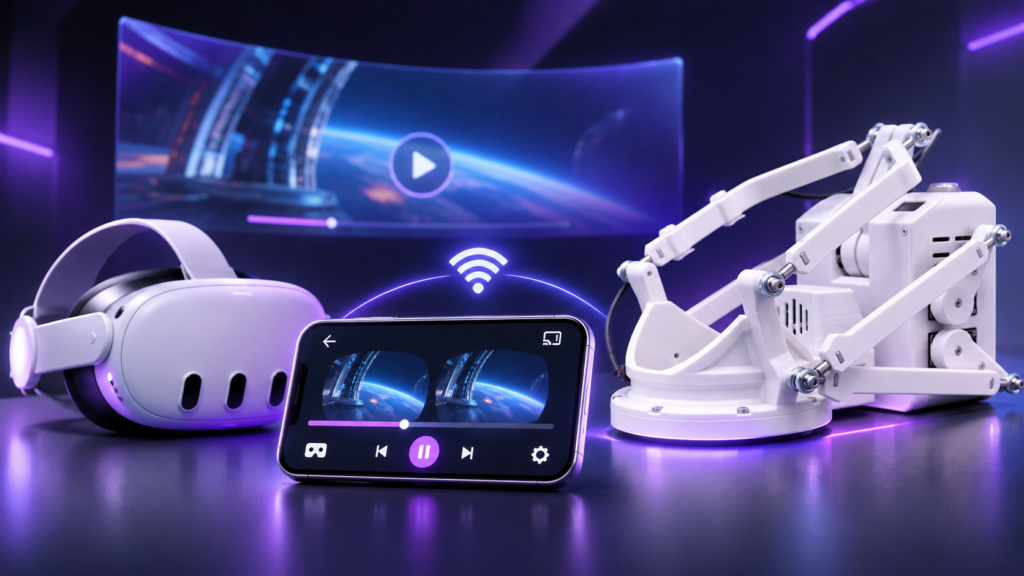
Multi-Axis VR Playback — With or Without a Headset.
- DeoVR & HereSphere Sync
Synchronize VR videos with local single-axis or multi-axis Funscripts. Control playback and seeking directly from your phone, without a PC.
- Built-In VR Player
Play VR content directly in MiraPlay AiO, even without a VR headset.
- Multi-Axis Motion
Bring synchronized motion to your VR content using compatible Funscripts or Motion resources.
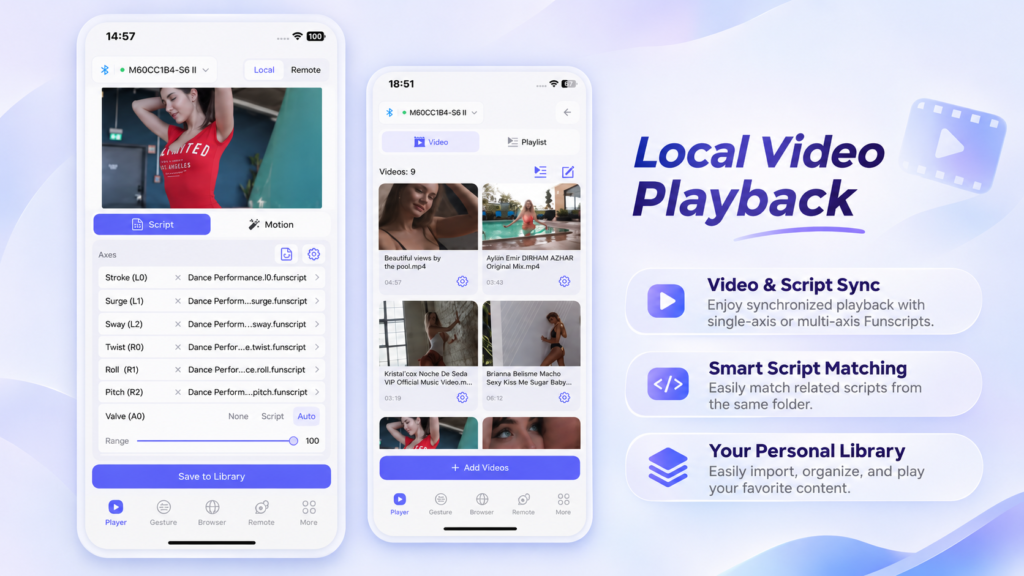
Video & Script Sync
Flexible Playback. Smarter Script Management.
- Multi-Axis Video Sync
Play local videos with single-axis or multi-axis Funscripts, with automatic matching and importing of related axis scripts.
- Personal Media Library
Organize videos, scripts, and playlists. Add content individually, import in batches, or transfer files via local FTP.
- MiraLube & T-Valve Support
Control compatible accessory modules using Auto or Script modes.
- Custom Motion Playback
Play Motions created in Motion Studio alongside your videos, even without matching Funscripts.
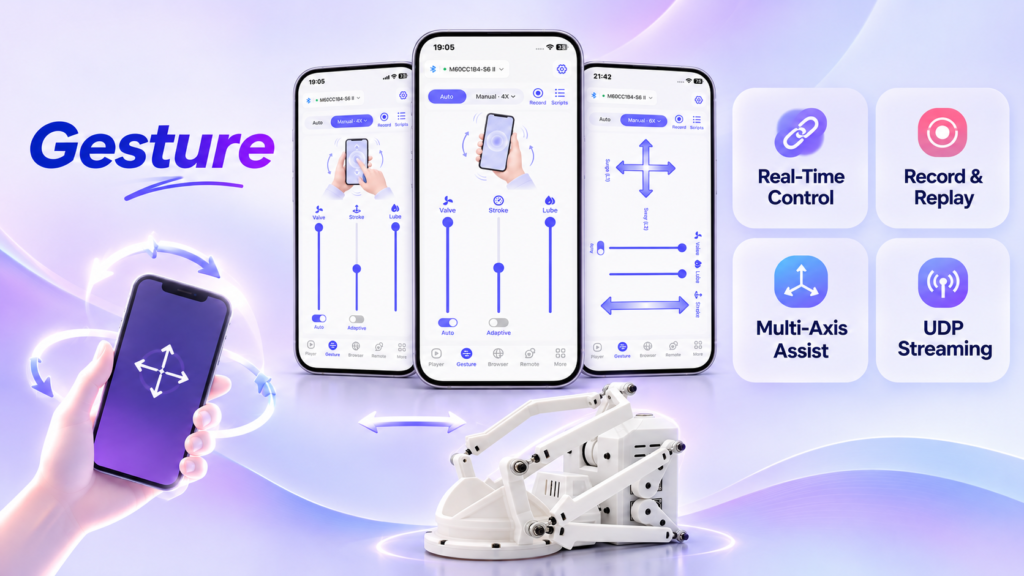
Gesture Sync
Turn Your Phone into a Real-Time Motion Controller.
- Motion & Touch Control
Use your phone's motion sensors and touchscreen to control multiple axes in real time, with Auto, Manual 4X, and Manual 6X modes.
- Record & Replay
Record multi-axis movements as Funscripts, save them to your library, and reuse them with other content.
- Multi-Axis Assist
Add real-time Roll, Pitch, and Twist movements to existing single-axis Funscripts.
- VaM Integration
Use Gesture controls to interact with and control VaM characters.
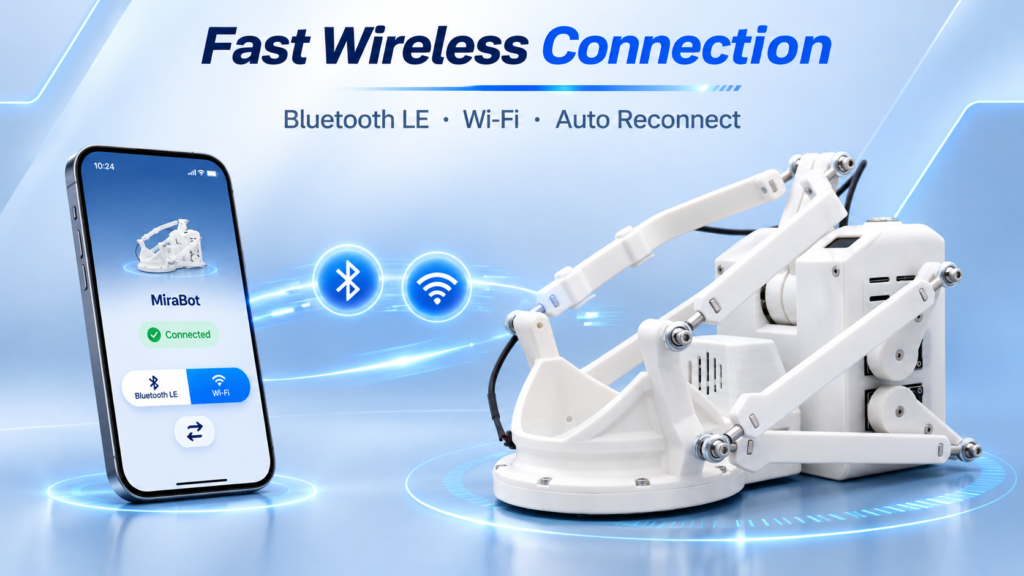
Fast Wireless Connection
Easy Setup. Automatic Reconnection.
- Quick Pairing
Connect your MiraBot in just a few taps, with automatic reconnection for future sessions.
- Flexible Wireless Modes
Supports Bluetooth LE and Wi-Fi (UDP / WebSocket), including SLR-compatible Bluetooth mode on supported MiraBot firmware.
- In-App Mode Switching
Switch between supported wireless modes directly from your phone.
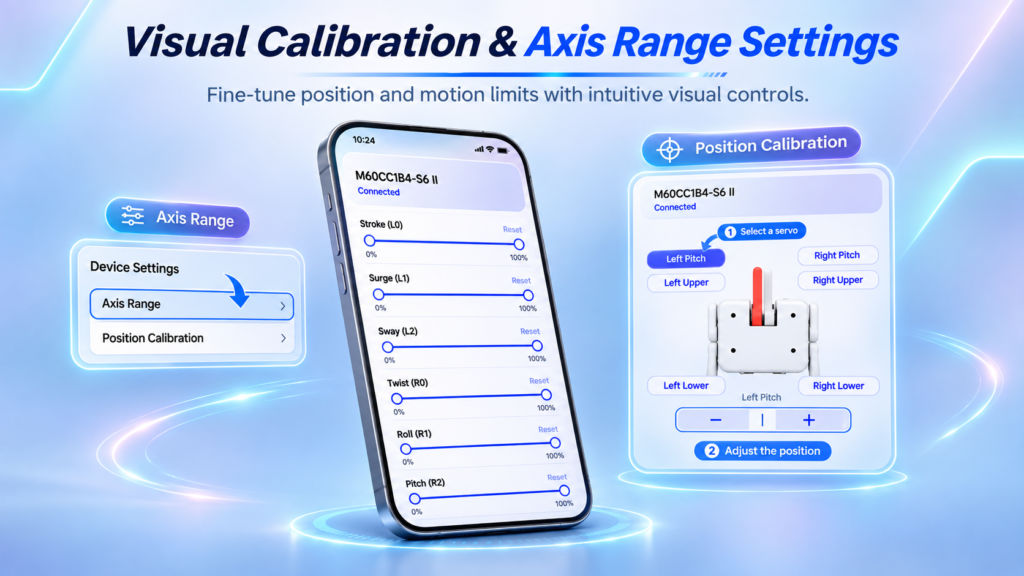
Visual Calibration & Axis Range Settings
Precise Device Adjustments, Made Simple.
- Visual Servo Calibration
Adjust servo positions through an intuitive graphical interface.
- Independent Axis Limits
Set custom movement ranges for individual axes.
- Device-Saved Settings
Range limits are stored on your MiraBot and remain effective across compatible applications.
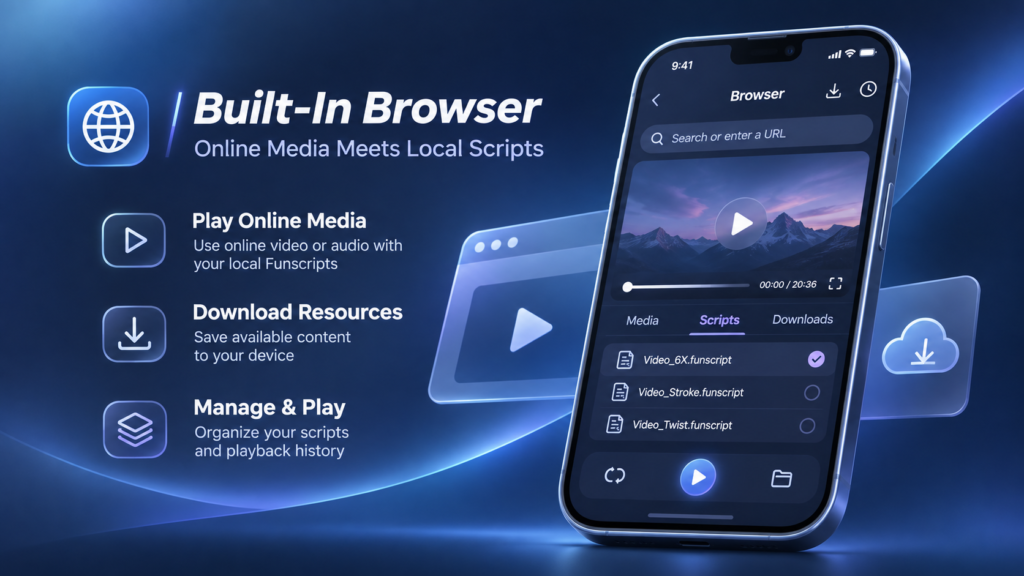
Built-In Browser
Easy Setup. Automatic Reconnection.
- Quick Pairing
Connect your MiraBot in just a few taps, with automatic reconnection for future sessions.
- Flexible Wireless Modes
Supports Bluetooth LE and Wi-Fi (UDP / WebSocket), including SLR-compatible Bluetooth mode on supported MiraBot firmware.
- In-App Mode Switching
Switch between supported wireless modes directly from your phone.

Remote Play (Beta)
Real-Time Multi-Axis Control, Beyond Distance.
- Private Remote Rooms
Create and share private rooms to connect with your partner remotely.
- Gesture-Based Remote Control
Use your phone’s motion sensors and touchscreen to control your partner’s MiraBot in real time.
- Multi-Axis Motion Streaming
Transmit multi-axis motion commands over the internet for synchronized remote interaction.
Remote Play is currently in Beta. Occasional latency or connection instability may occur depending on network conditions.