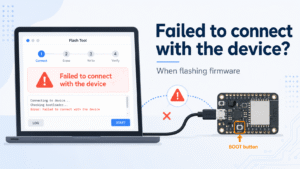
If you see “Failed to connect with the device” during firmware flashing, the ESP32 controller may not have entered firmware flashing mode correctly.
Please follow the steps below:
- Close any app, browser page, or serial tool that may be using the device’s USB serial port.
- Disconnect both the external power supply and the USB cable from the device.
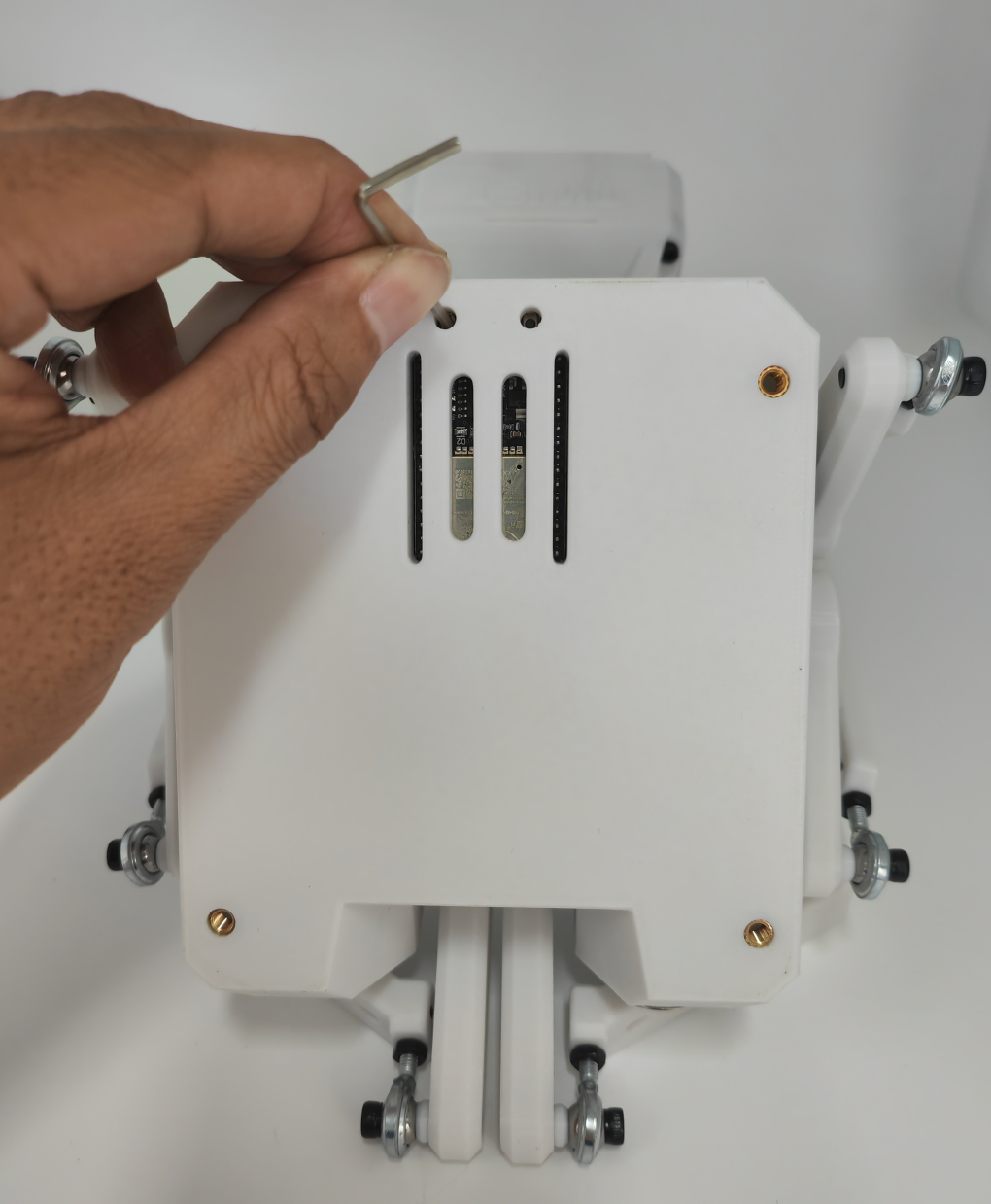
- Press and hold the BOOT button through the small hole on the left side of the rear panel.
- While keeping the BOOT button held, connect the device to your computer with the USB cable. Do not connect the external power supply at this step.
- Open the firmware flashing tool in MiraPlay Web and start flashing the firmware again.
- Keep holding the BOOT button until the firmware flashing process starts.
Important notes
- The BOOT button must be pressed and held before connecting the USB cable.
- The BOOT button is small and may be hard to feel when pressed, please make sure it is fully pressed and held.
If the same error still appears, disconnect the USB cable and repeat the steps above.