
SUPPORT CENTER
MiraBot User Guide
Set up your MiraBot, connect MiraPlay, install modules, and learn the main workflows step by step.
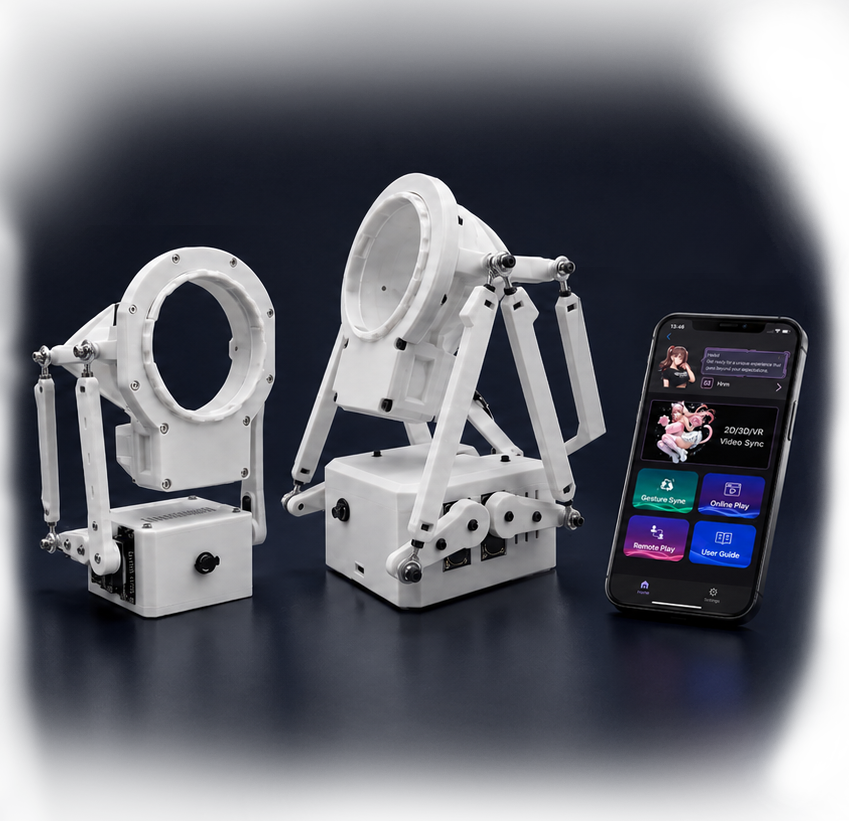
Start Here - New User Path
Follow these simple steps to enjoy your MiraBot.
1
Check the package
Confirm the main unit, power adapter, receiver, mount, and included accessories.
2
Power on and check initial position
Power on your MiraBot and make sure the arm reaches the initial position.
3
Connect with MiraPlay
Connect via Wi-Fi or Bluetooth and make sure the link status is stable.
4
Play your first video
Open MiraPlay, load a video or script, and enjoy your first experience.
Video Tutorials
Browse all video guides by product and apps
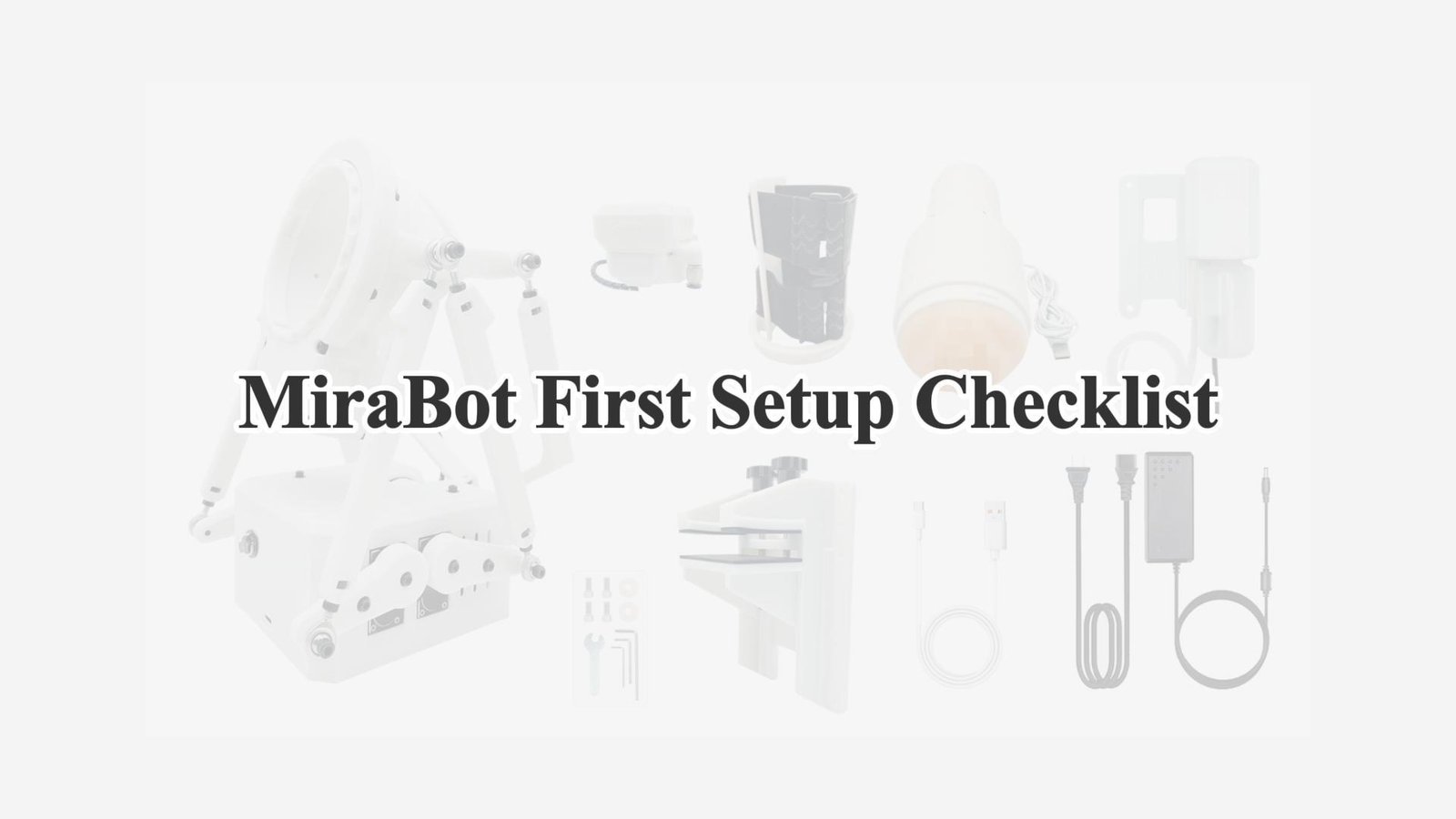
MiraBot First Setup Checklist
Important Reminders for Initial Use of MiraBot
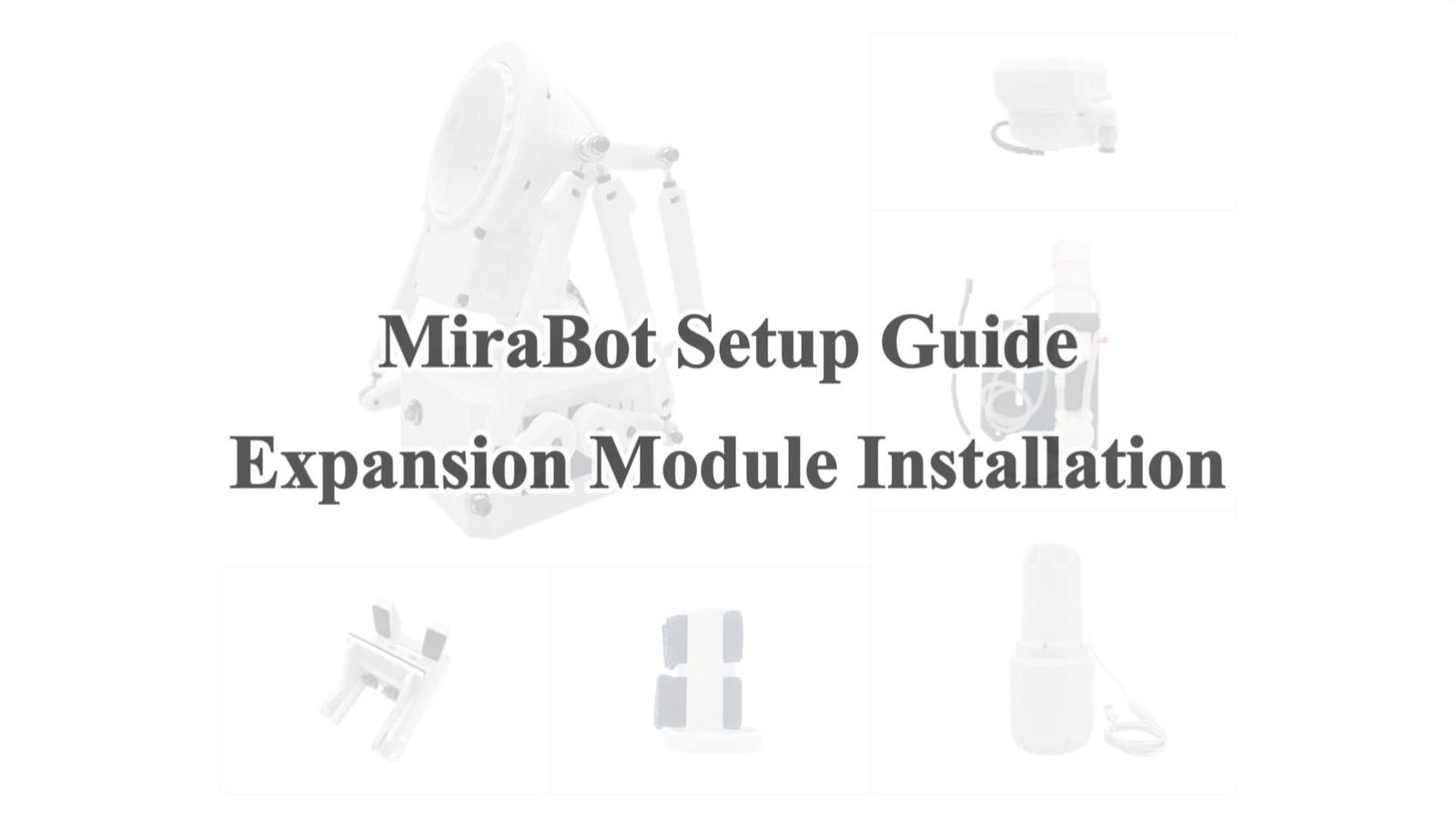
【MiraBot S6】Expansion Module Installation
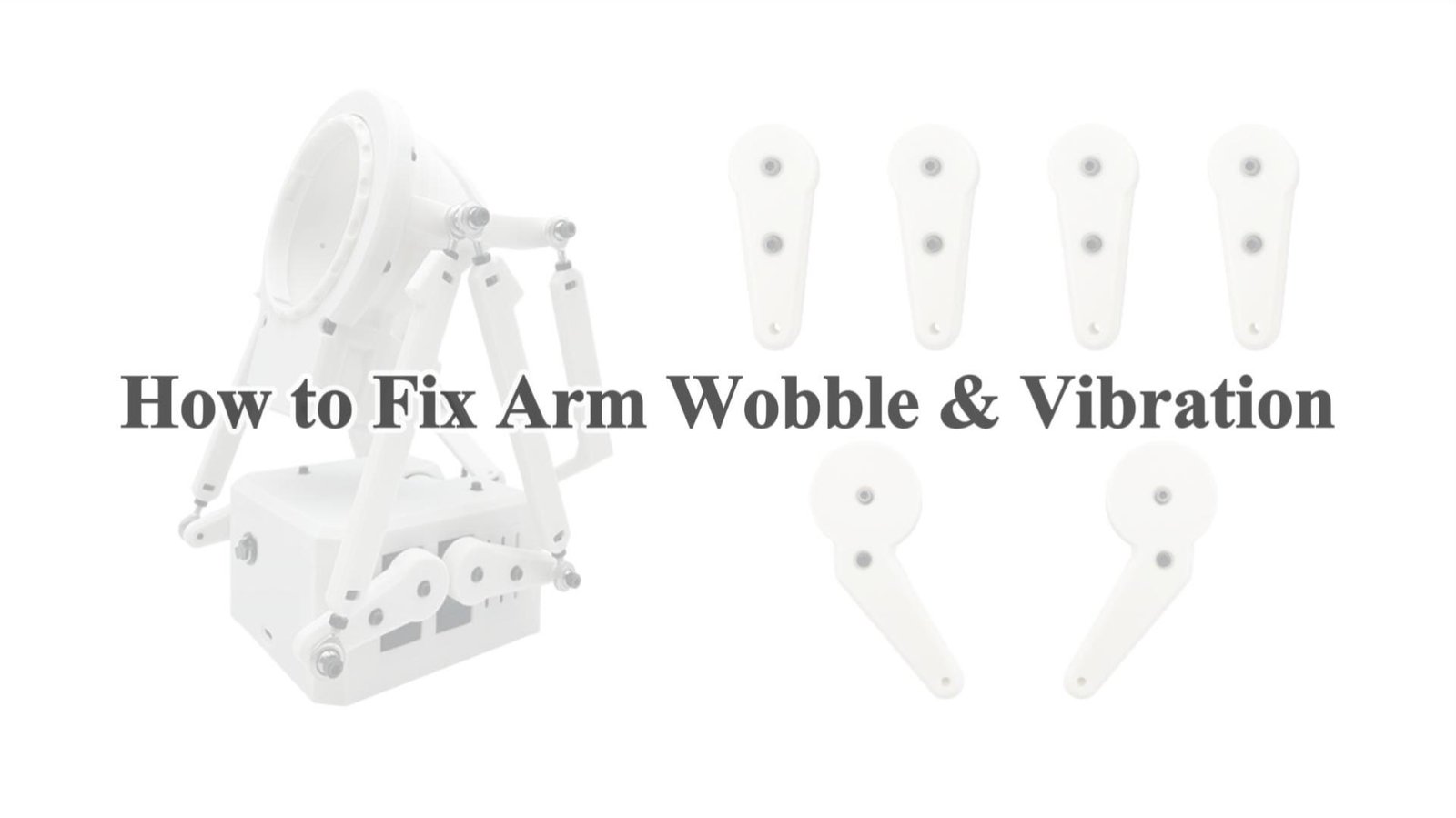
【S6】How to Fix Arm Wobble & Vibration
MiraBot S6 Upper and Lower Servo Replacement Guide
MiraBot S6 Pitch Servo Replacement Guide
MiraBot S6 Twist Servo Replacement Guide
MiraBot S6 Arm Position Calibration
Mirabot S6 Twist → Open Receiver Guide
How to Use MiraBot Lite
MiraBot Lite Twist Servo Replacement Guide
MiraBot Lite Arm Position Calibration
MiraBot Lite Servo Replacement Guide
【MiraPlay AiO】Introduction & Demo
【MiraPlay AiO】Wi-Fi Connection Guide
【MiraPlay AiO】Bluetooth Connection Guide
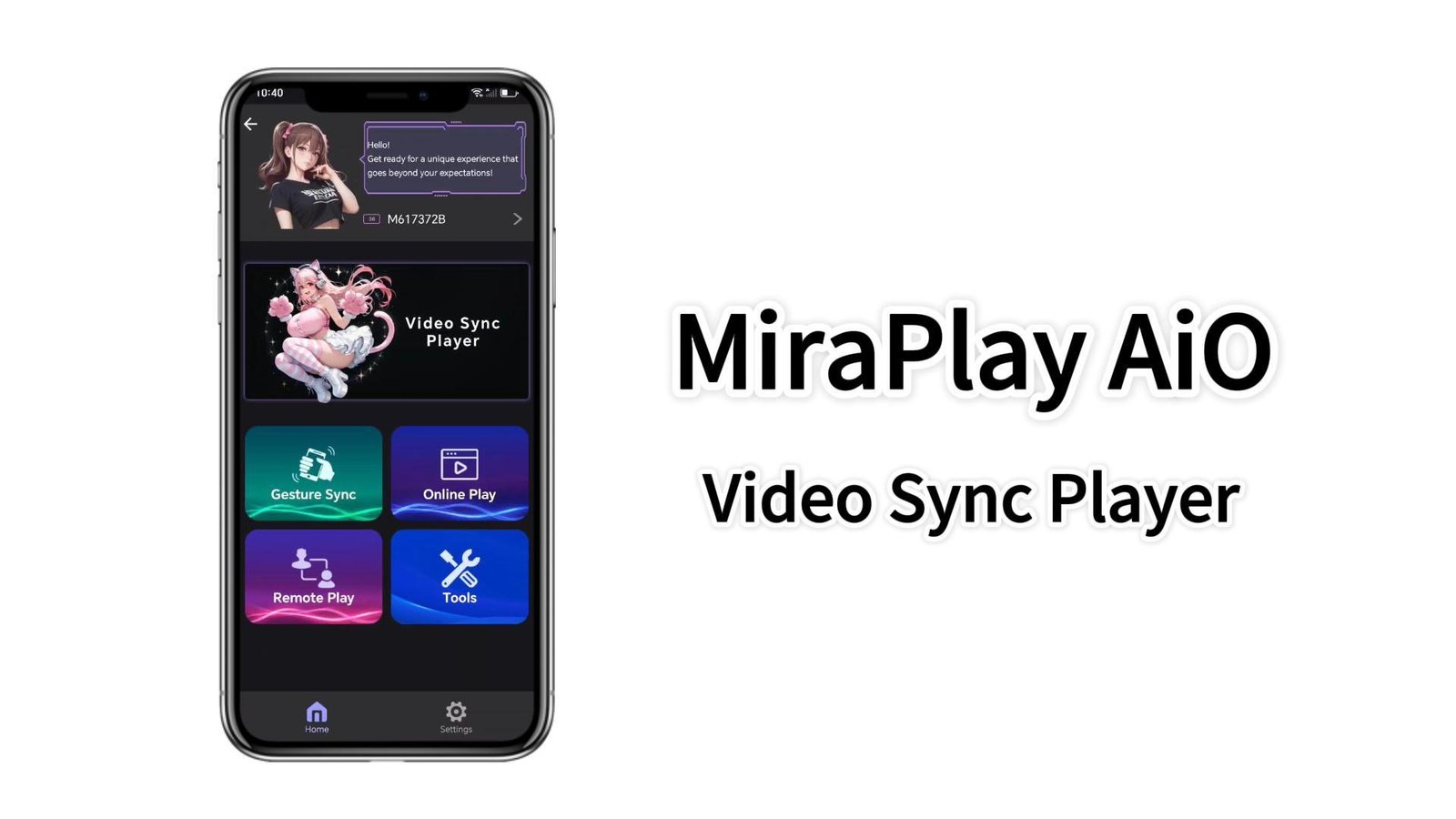
【MiraPlay AiO】Video Sync Player
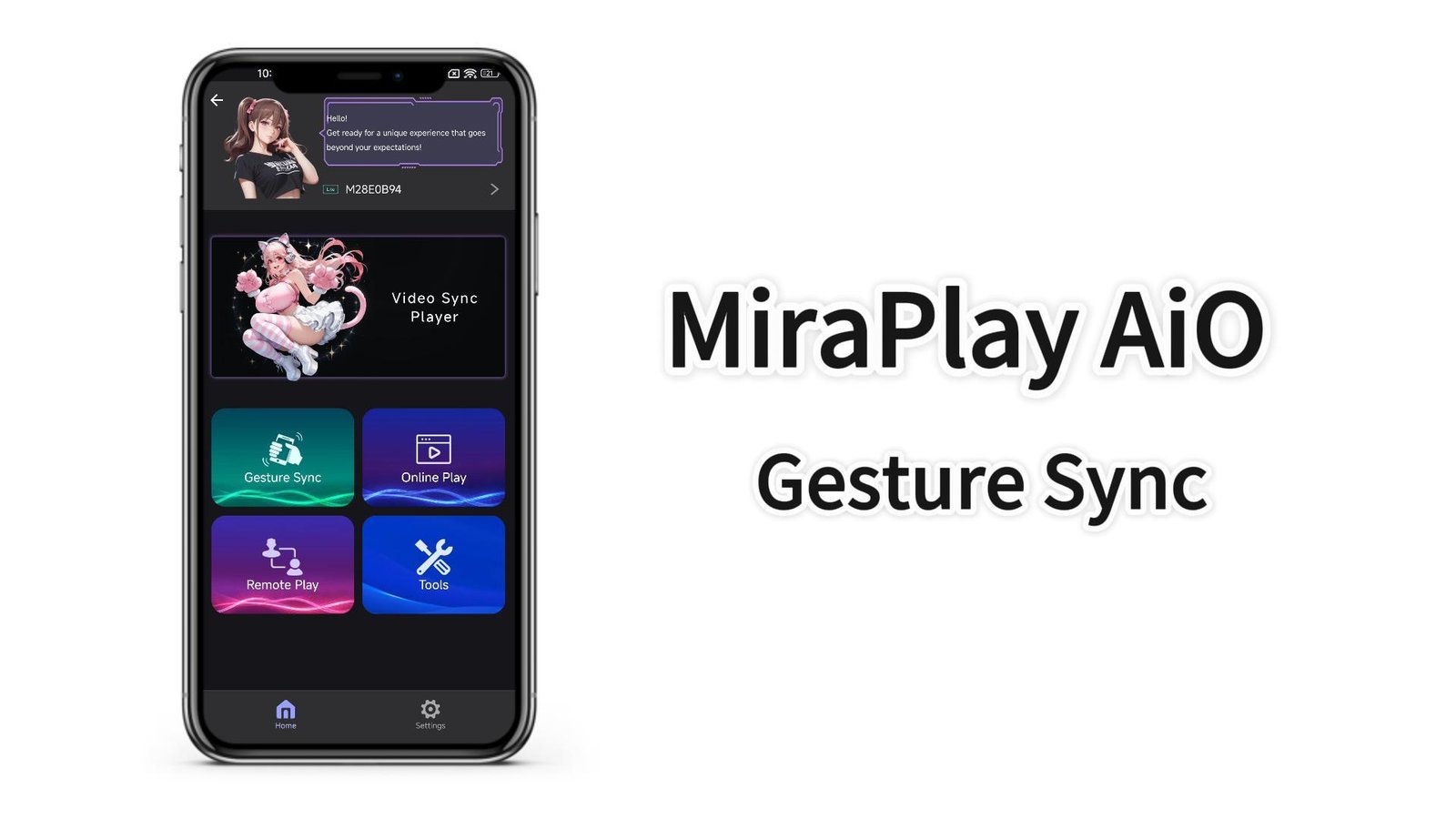
【MiraPlay AiO】Gesture Sync
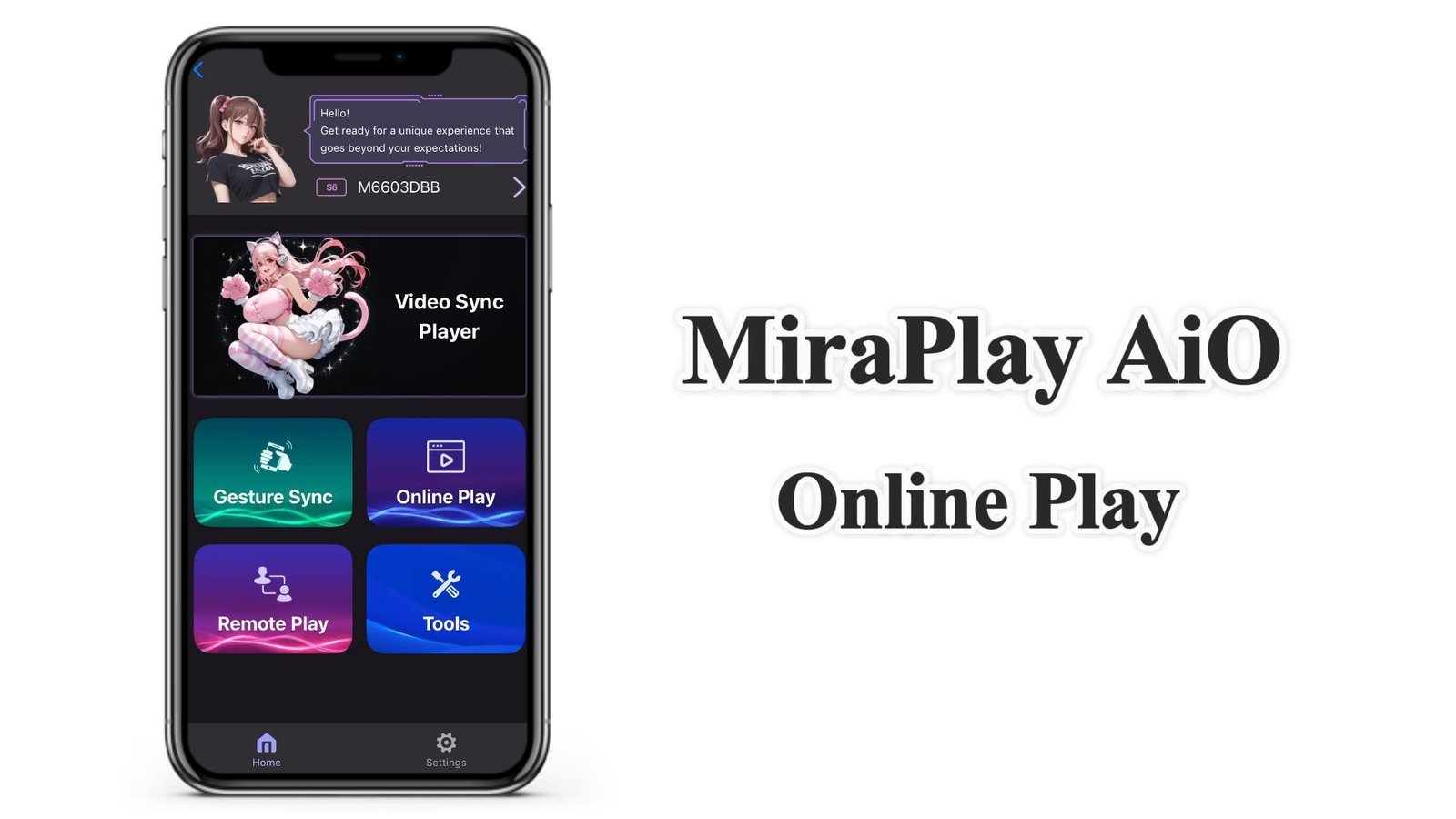
【MiraPlay AiO】Online Play Guide
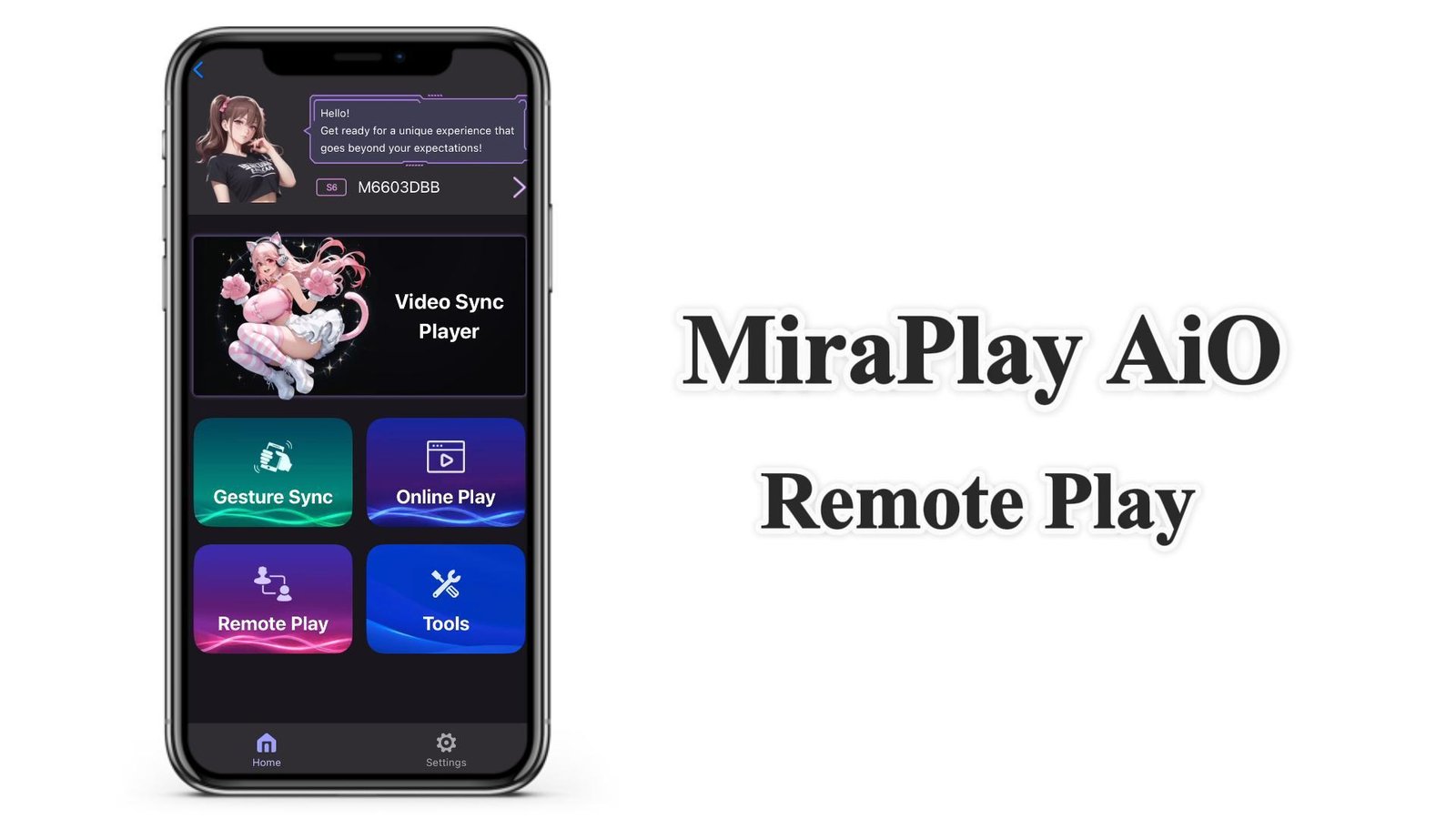
【MiraPlay AiO】How to use Remote Play
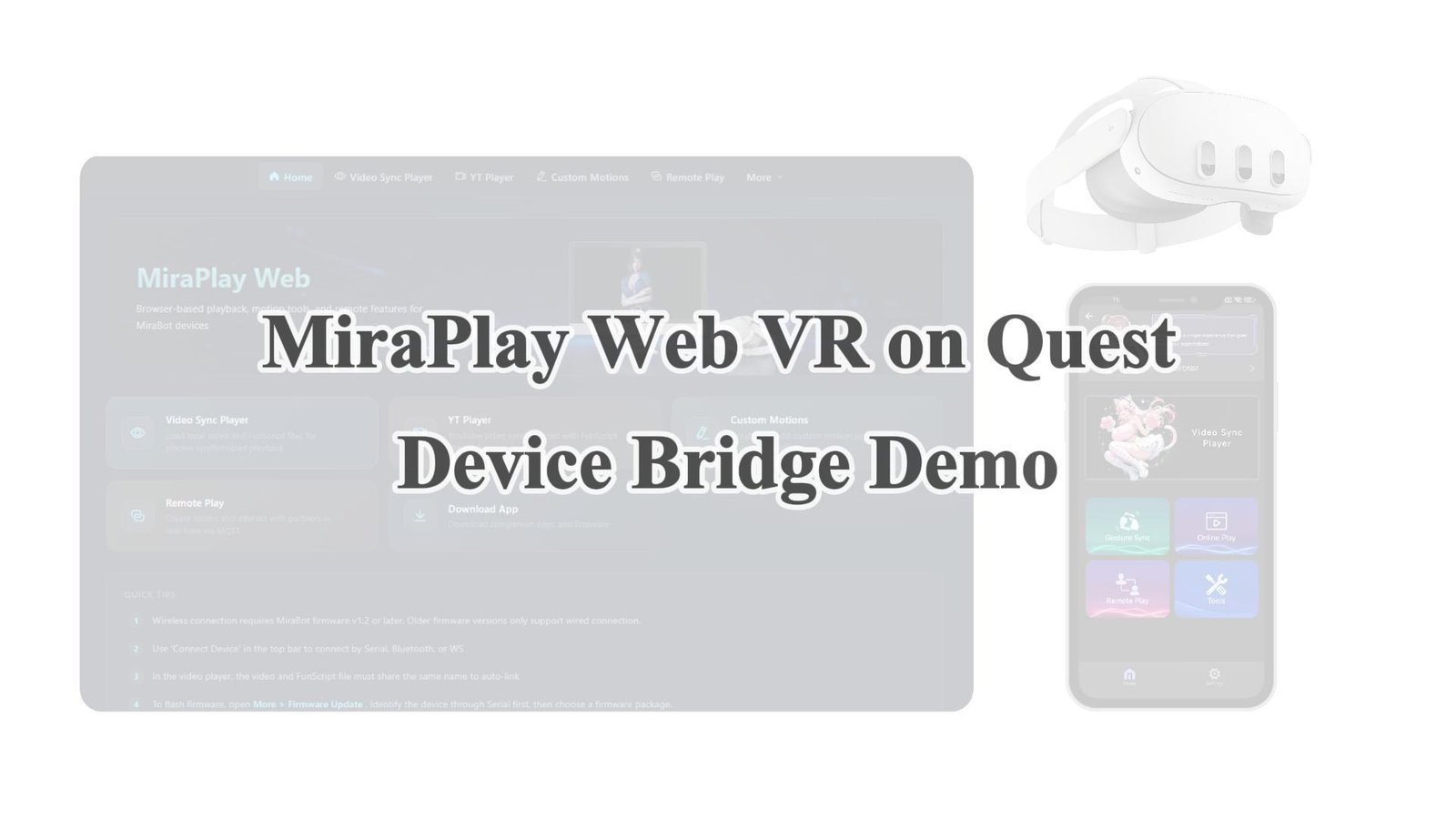
MiraPlay Web VR on Quest — Device Bridge Demo
VR Playback in MiraPlay AiO
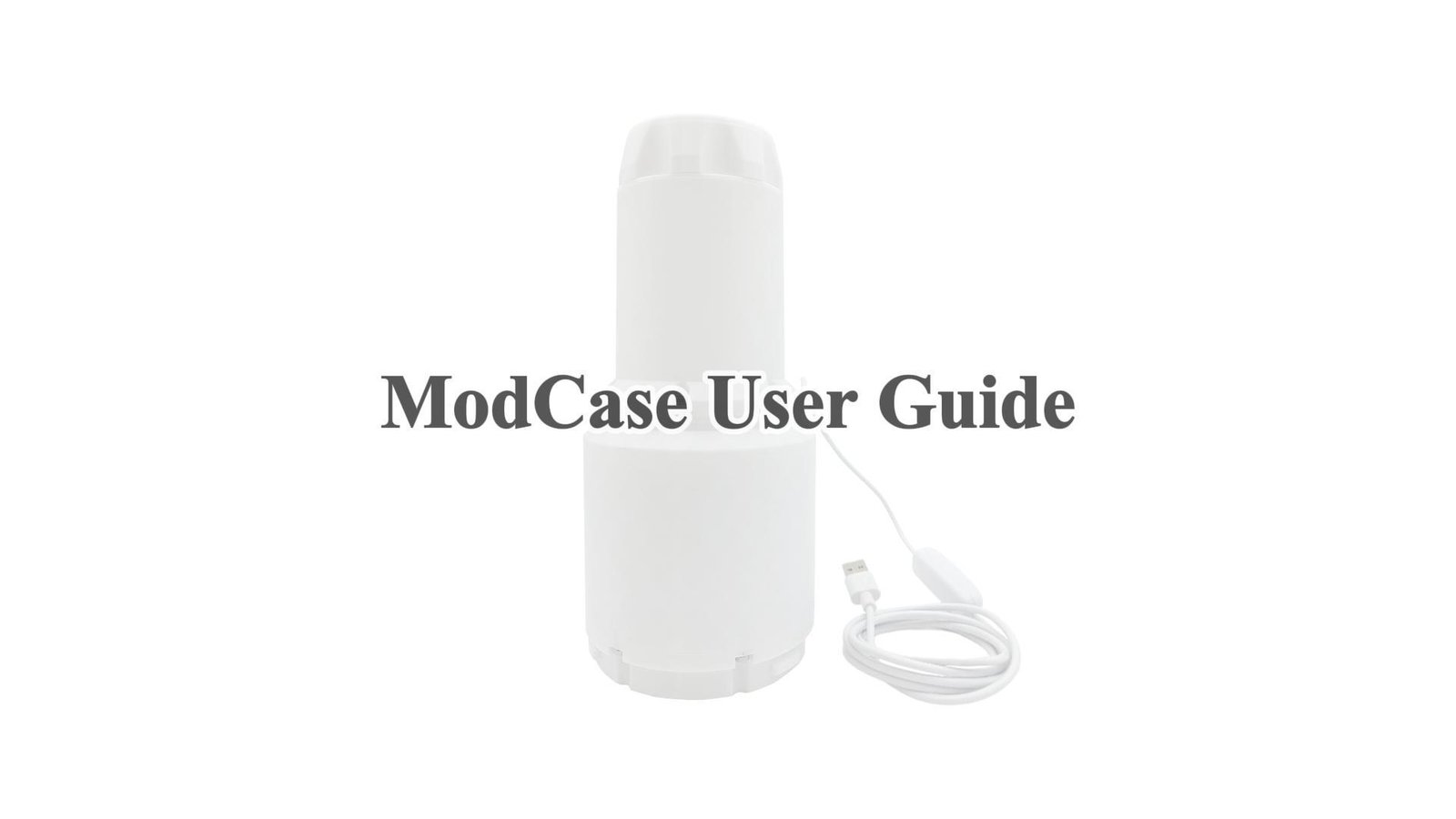
Twist Heated Receiver(Modcase) User Guide
T-Valve Installation and Usage
Twist & Receiver: Connection & Removal Guide
MiraLube User Guide
Quick Tip: Securing the MiraLube Tube
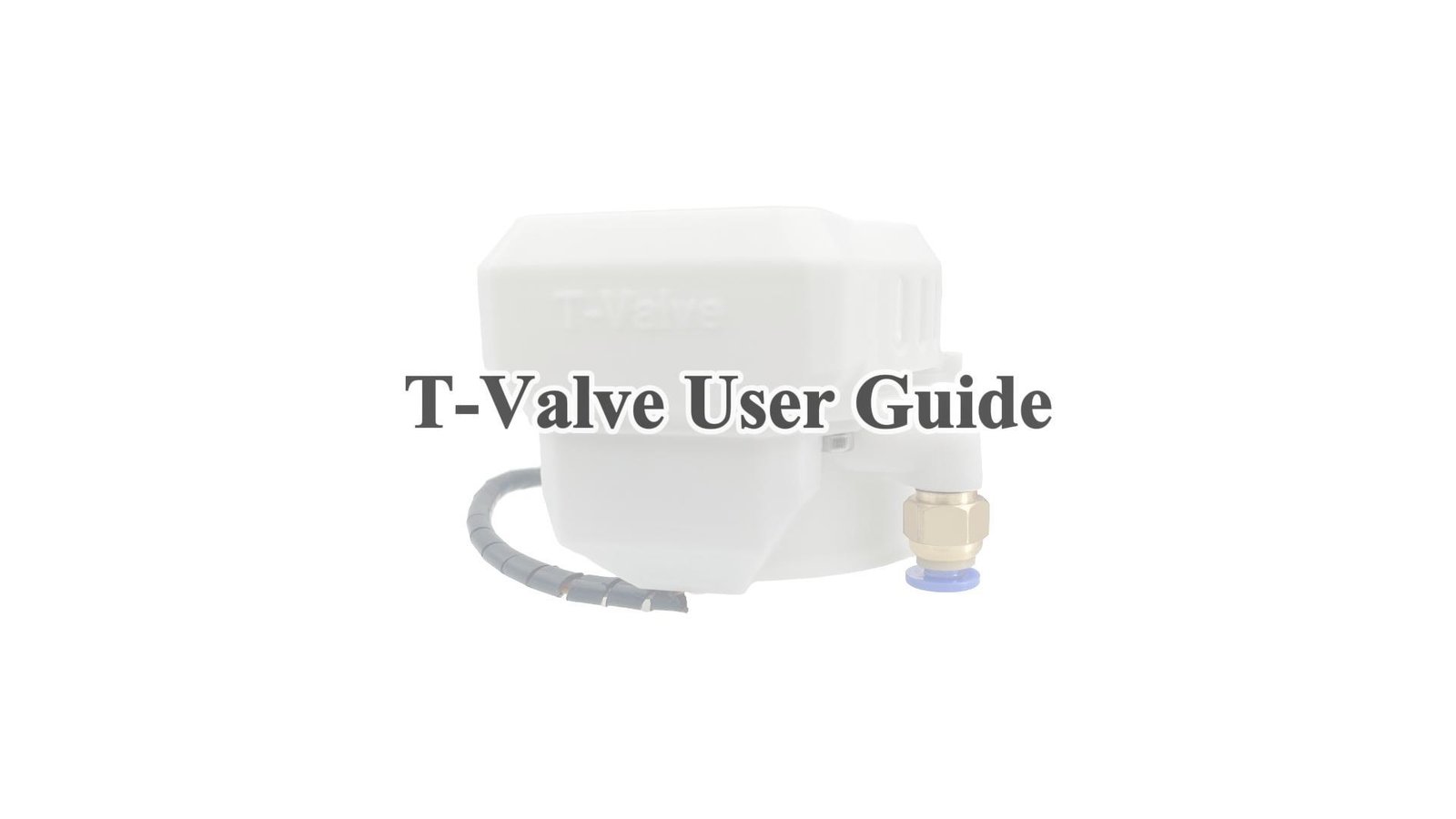
T-Valve User Guide
【S6】How to Fix Arm Wobble & Vibration
Quick Tip: Securing the MiraLube Tube
Downloads & Firmware
Download apps, firmware and manuals.
Download MiraPlay AiO
Android app for MiraBot control
Firmware Update
Update your MiraBot firmware
MiraPlay AiO Manual
S6, Lite and module manuals