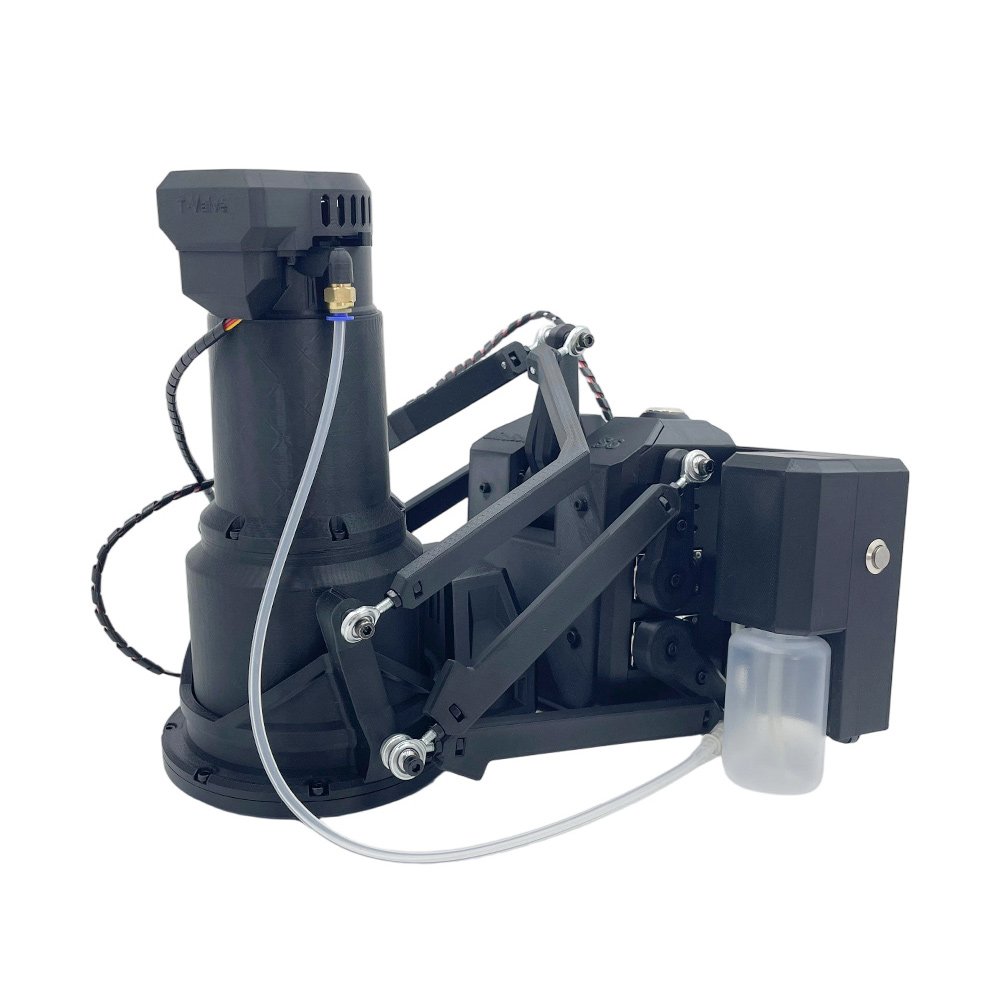
MiraBot S6
5-6 Axis Motion Interactive Robot
🎁 Limited-Time Bonus Gifts
Open / Twist: Free Soft Sleeve
Full Set: Free Sleeve Care Kit
Before You Order
- Ships in 2 Business Days
- 30-Day Warranty
- Secure Checkout
- Discreet Packaging
What is MiraBot S6?
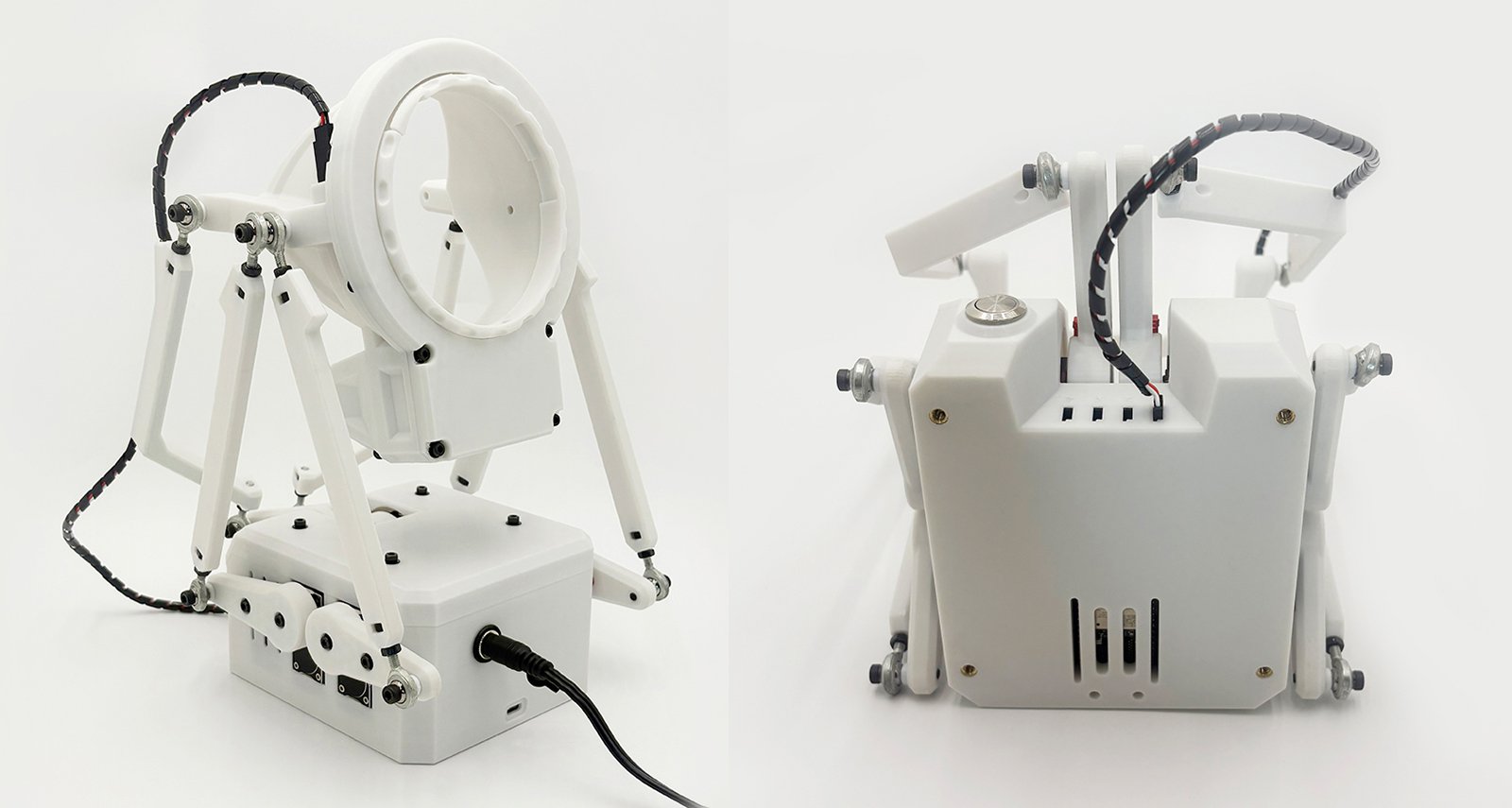
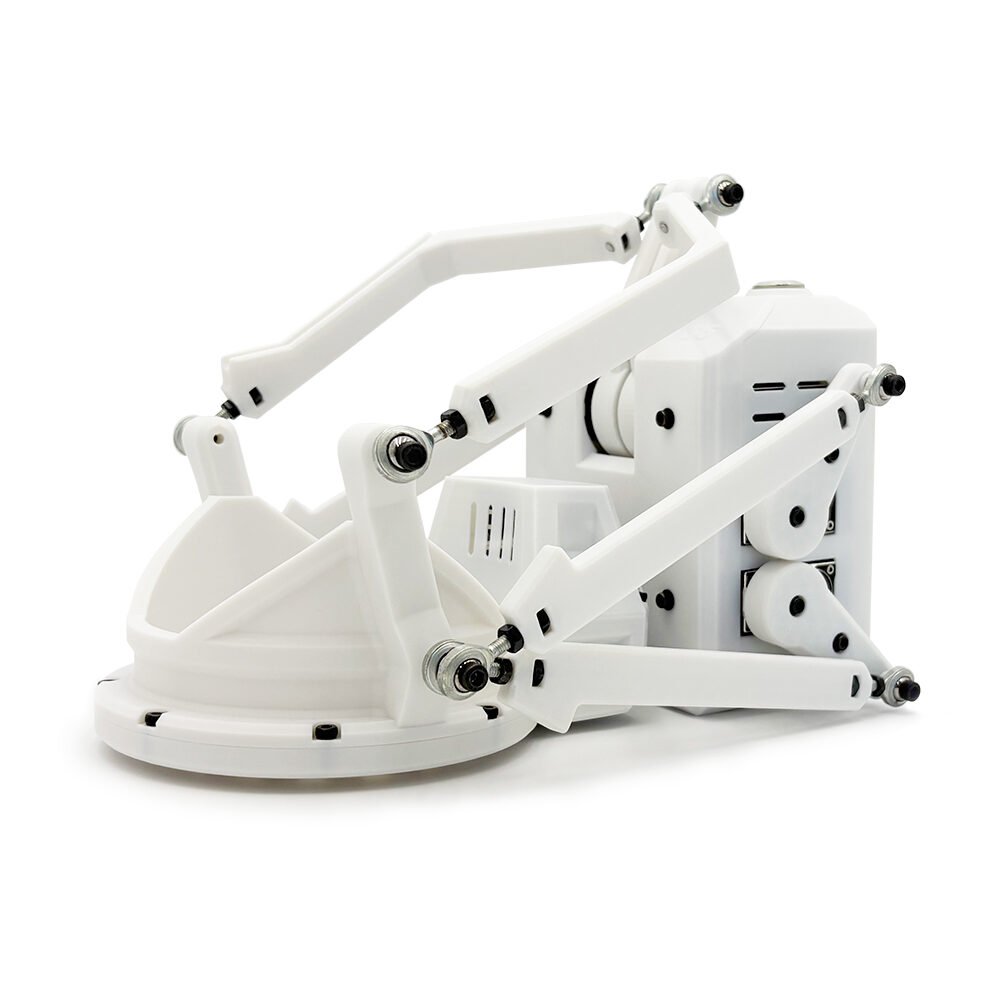
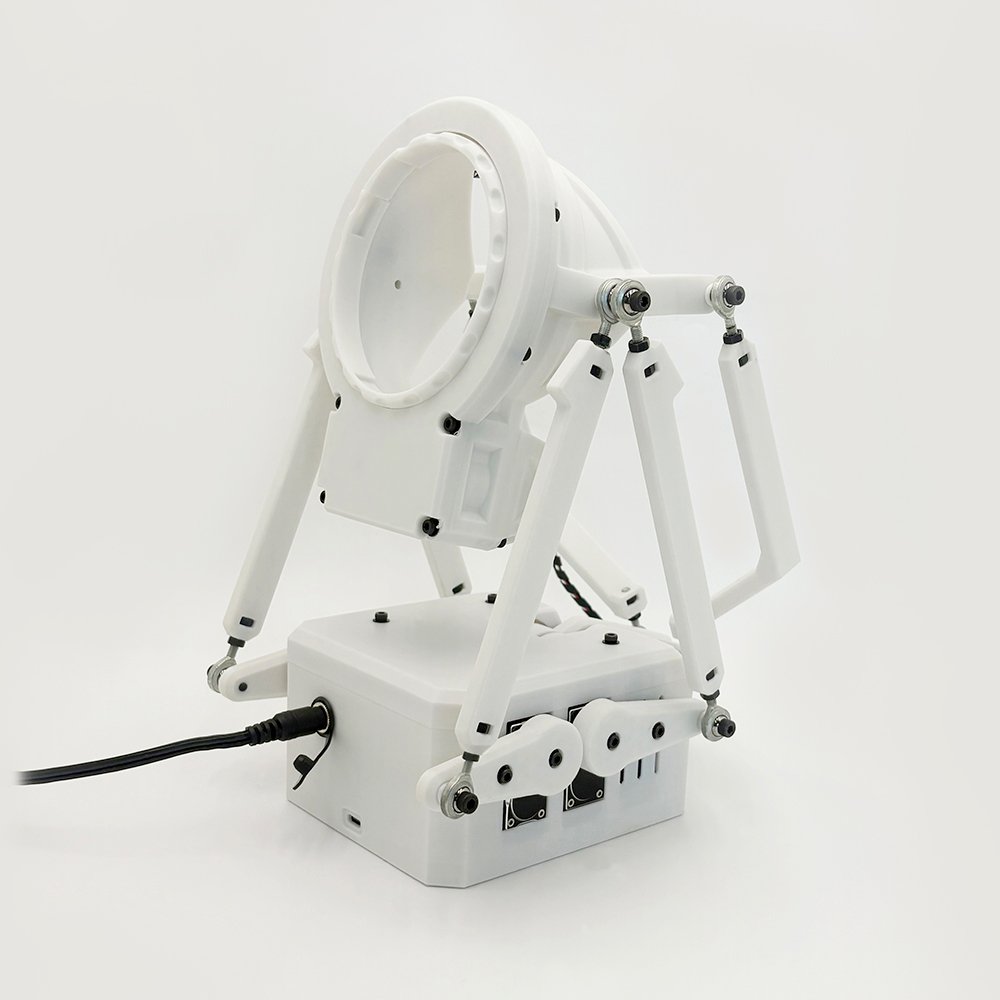
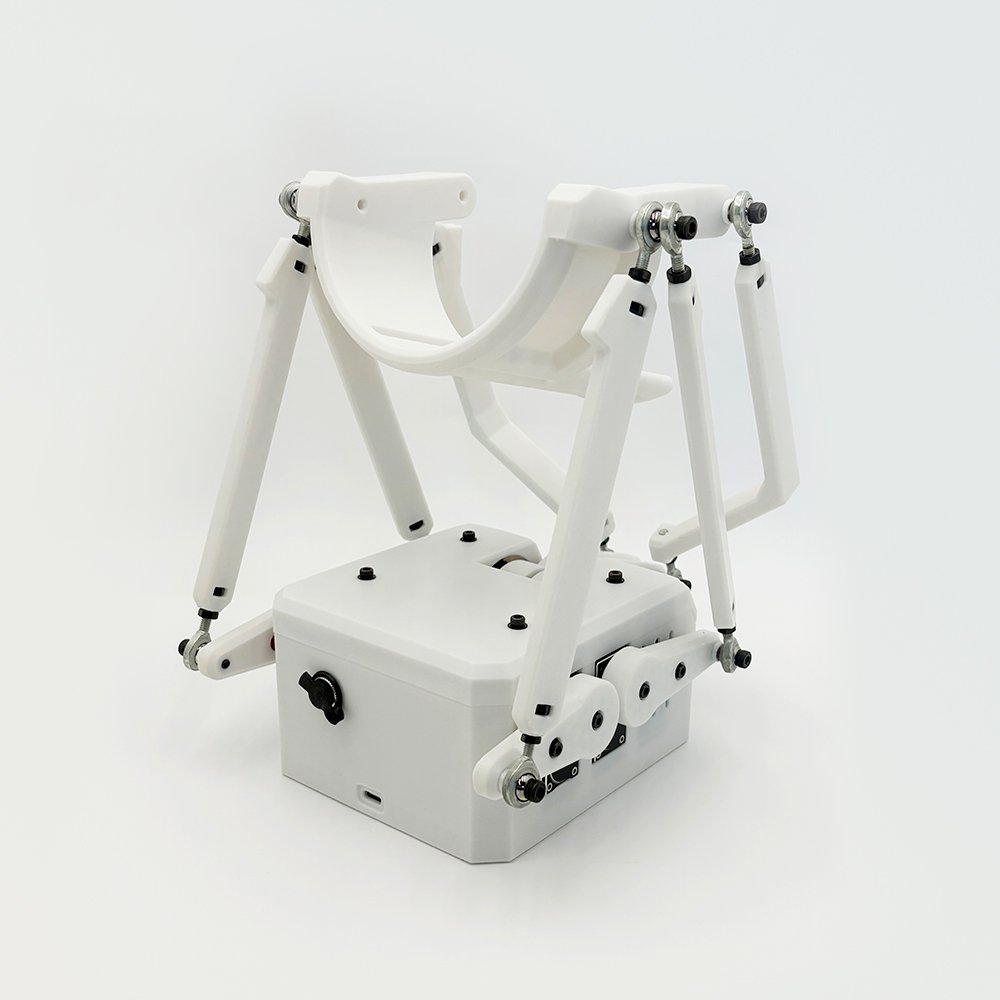
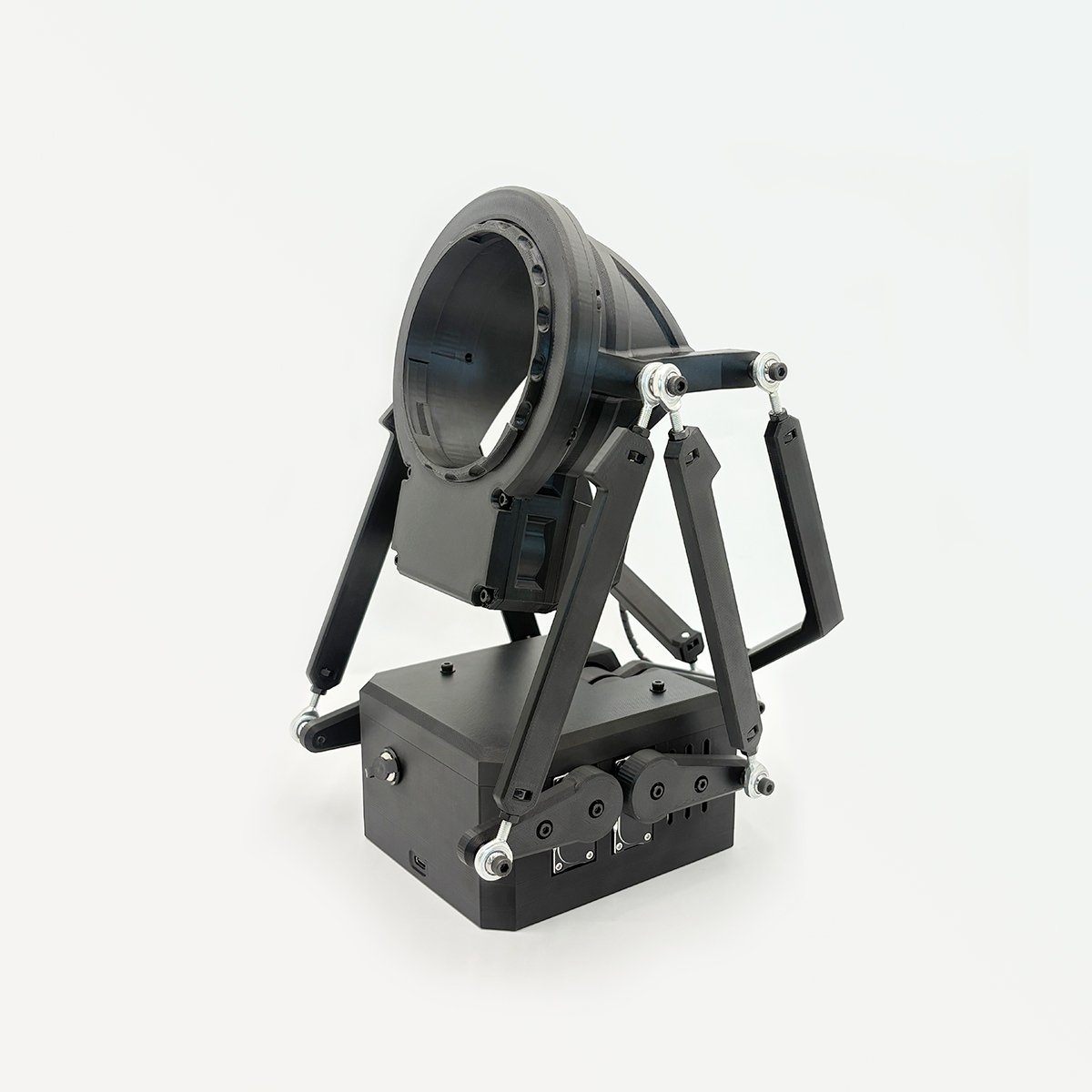
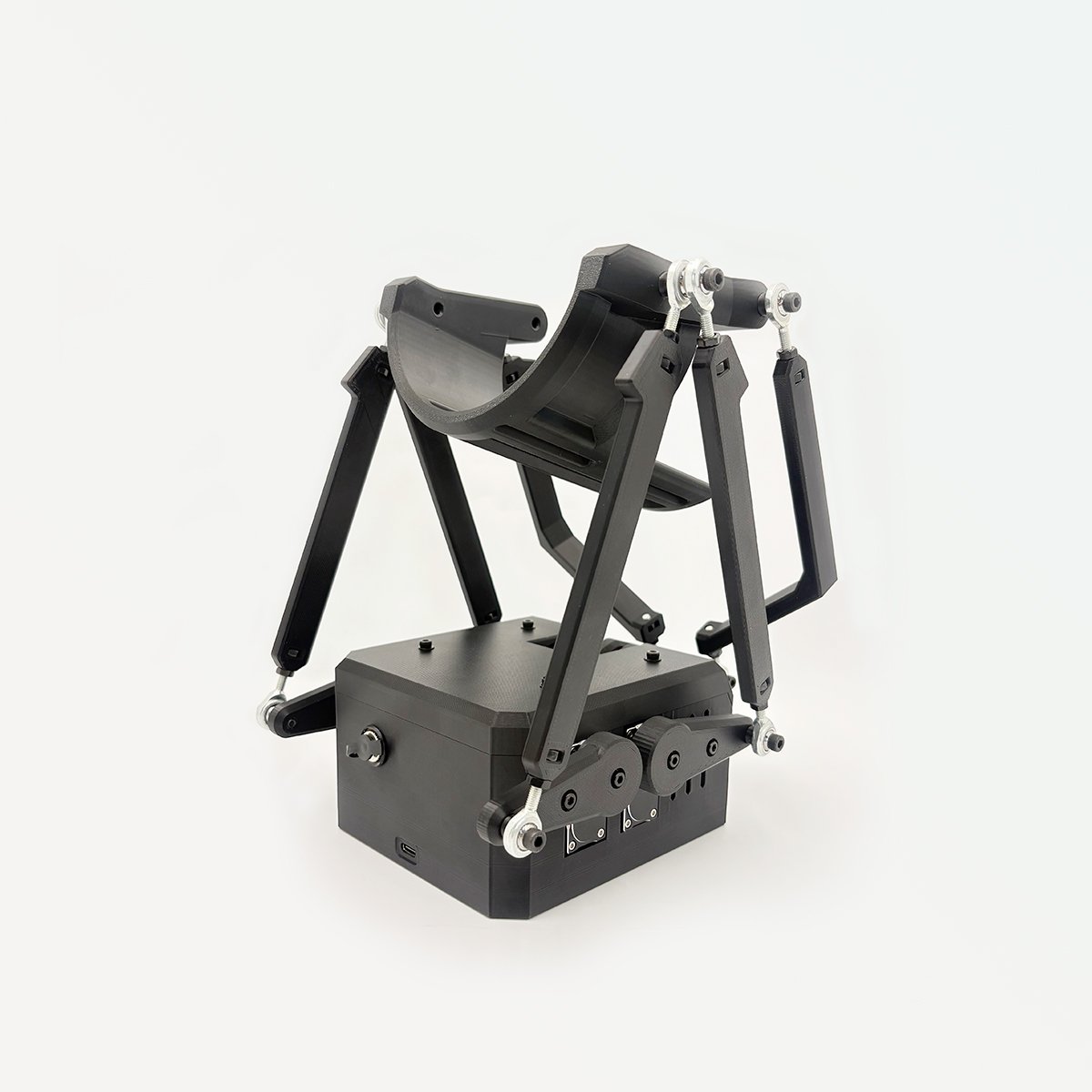
A full 6-axis Interactive Robot designed for immersive, multi-directional motion.
Powered by Stroke, Roll, Pitch, Sway, Surge, and Twist, MiraBot S6 delivers richer, more natural movement than conventional up/down devices.
With MiraPlay apps, it can sync with VR videos, supported games, scripts, and remote play workflows — all with a more guided setup experience.
New to MiraBot?
MiraBot S6 is part of the MiraBot multi-axis ecosystem. If you’re new to OSR-style devices, start with our beginner-friendly guide.
What Is MiraBot? →
Why Choose S6?
True 6-Axis Motion
Designed for realistic, human-like interaction
・True 6-axis motion working as a single coordinated system
・Smooth transitions between axes for natural, fluid movement
・Precise control from gentle micro-motions to powerful dynamic play
・Motion paths tuned to feel intentional, not mechanical
Ultra-Quiet & Durable Hardware
Built for long sessions, not just demos
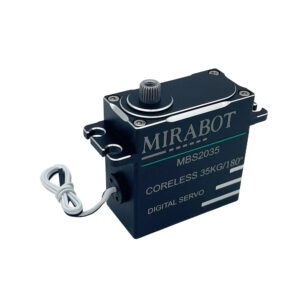
・High-torque coreless digital servos for quiet, precise motion
・Designed to resist stalling and overheating during extended use
・All-metal servo construction and gears for durability and heat dissipation
・Stable, consistent performance even under continuous multi-axis load
OSR-Compatible, Modular & Maintainable
Built to fit real users and real workflows
・Fully compatible with OSR software and Funscript content
・Plug-and-play modular add-ons (Twist, MiraLube, T-Valve, and more)
・Easy maintenance and part replacement to extend product lifespan
・Balanced design optimized for reliability, consistency, and mass production
Powered by the MiraBot Software Ecosystem
A flexible software ecosystem for mobile control, browser playback, VR workflows, and OSR-style compatibility.
• MiraPlay AiO for smartphone control
Video sync, VR playback, gesture control, motion recording, online play, and remote interaction.
• MiraPlay Web for PC and browser workflows
Local video playback, funscript sync, custom motions, and VR-headset browser use.
• OSR-compatible software workflows
Works with many funscript tools, OSR-style software, plugins, and supported game integrations.
• Regular updates and improvements
MiraBot software continues to expand with new features and compatibility.
Bluetooth LE or Wi-Fi?
Both versions deliver the same mechanical performance. Choose the one that best matches how you plan to connect.

Bluetooth LE
Simple & Direct
Recommended for users who mainly use MiraPlay AiO and want the easiest setup.
- Quick setup
- No Wi-Fi network required
- Direct device-to-app connection
- Best for simple mobile use

Wi-Fi
More Flexible Wireless Control
Recommended for users who want broader wireless compatibility and third-party OSR software support.
- Supports UDP & WS compatible software
- Works through your local 2.4GHz Wi-Fi network
- Better range than Bluetooth LE
- Best for advanced wireless setups
Superior Low-Noise Design
Through extensive optimization of every internal component—its geometry, tolerances, and structural fit—we eliminated over 99% of mechanical chatter and friction noise, reducing overall sound to an absolute minimum.
Combined with our custom low-noise coreless servos, MiraBot S6 achieves exceptional quietness, delivering one of the most silent multi-axis performances in its class.
Noise Level (Reference)
- Low-Speed Operation: 40~48 dB (Quiet room level)
- High-Speed Operation: ≈ 55 dB (Normal conversation level)
*Measurement Conditions: Measured with a specialized noise meter under 400g load at a distance of 50cm from the device. Testing included full-axis motions.
Advanced Thermal Management
MiraBot S6 features an optimized passive cooling design that efficiently dissipates heat without relying on active cooling systems such as fans. Even during extended multi-axis operation, temperatures remain stable and well within safe limits.
In real-world testing under continuous motion patterns and realistic loads, servo temperatures stabilized below 50 °C after 30 minutes of operation, maintaining a large safety margin below the built-in thermal protection threshold (>70 °C). This confirms reliable thermal performance even during prolonged sessions.
Thermal Performance
- Test Duration: Continuous operation for 30 minutes with randomized motion patterns
- Ambient Temperature: ~24 °C
- Measured Load: Approx. 680 g with Twist module and sleeve installed
Measured Servo Temperatures
- 11 minutes: 32 °C (lower) / 39 °C (upper)
- 20 minutes: 36 °C (lower) / 45 °C (upper)
- 30 minutes: 38 °C (lower) / 47 °C (upper)
Product Features
USB Type-C Port
Specifications
| Specification | Open Model | Twist Model |
|---|---|---|
| ▫ Material | PETG, Steel, TPE (Onahole) | |
| ▫ Servo Motors | Coreless Servo (35Kg・180°) ×6 | Coreless Servo (35Kg・180°) ×6 Coreless Servo (35Kg・270°) ×1 (Twist) |
| ▫ Recommended Sleeve Weight (Approx.) | < 1,200g | < 1,000g (*The Twist module itself is heavier, so part of the load capacity is already used. The device’s actual structural strength is the same for both models.) |
| ▫ Motion Axis | 5-Axis: Stroke (max 120 mm), Roll (Max 30°), Pitch(Max 30°), Surge(Max 70 mm), Sway(Max 70 mm) | 6-Axis: Stroke (max 120 mm), Roll (Max 30°), Pitch(Max 30°), Surge(Max 70 mm), Sway(Max 70 mm), Twist (max 270° rotation) |
| ▫ Weight | Approx. 1,000 g (excluding power & accessories) | Approx. 1,200 g (excluding power & accessories) |
| ▫ Size | 223 mm × 198 mm × 180 mm | 280 mm × 198 mm × 180 mm |
| ▫ Connection | Bluetooth LE / Wi-Fi, USB Type-C (PC) | |
| ▫ Power Adapter | Input: AC 100–240V 50/60Hz Output: DC 6V/8A | |
*Plug Type by Region
Type A – Japan
Type B – USA, Canada
Type F – EU countries, South Korea
Type G – UK, Singapore, Hong Kong
- Type I – Australia, New Zealand
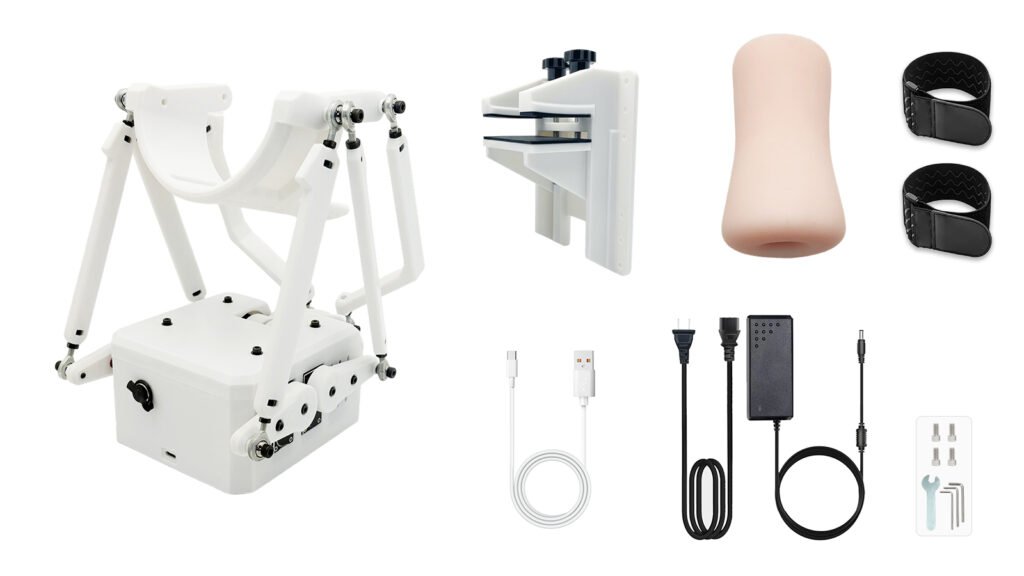
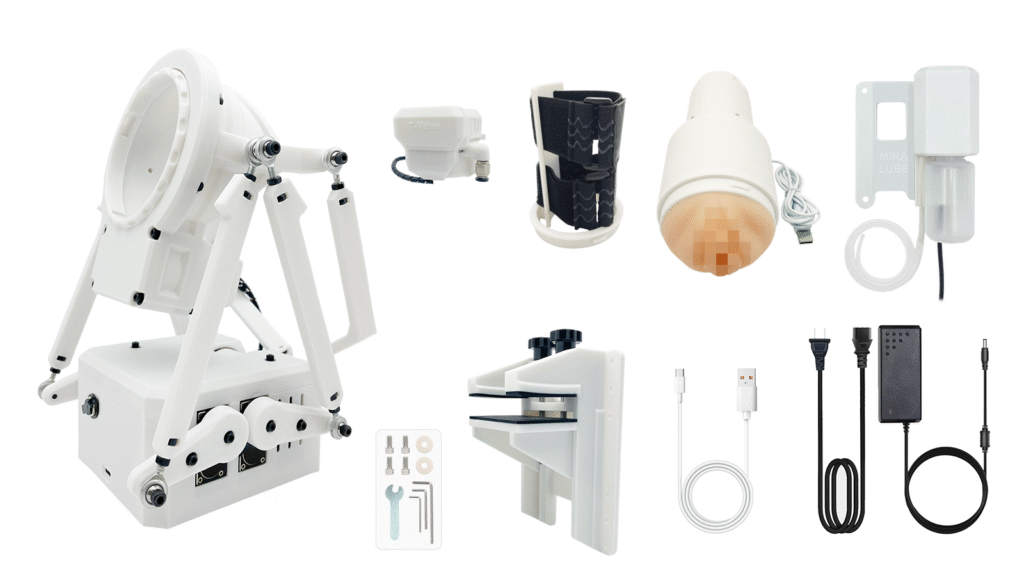
Included Items
Open Model
Set Contents:
- MiraBot S6 (with Open Receiver)
- Desk Mount
- Power Adapter
- USB cable (1.5m)
- Tool Kit
- Bonus – Soft Sleeve
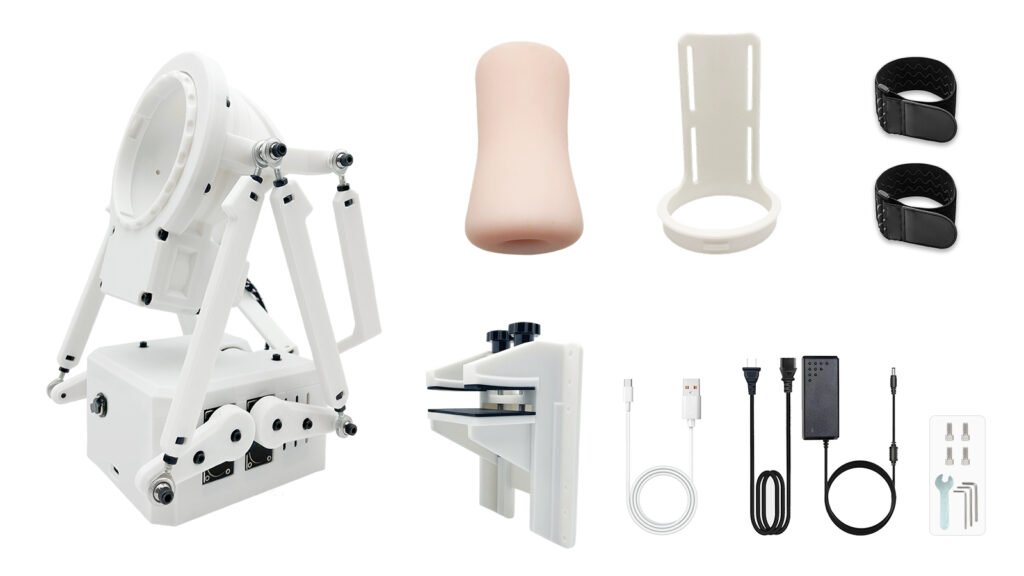
Twist Model
Set Contents:
- MiraBot S6 (with Twist Module)
- Open Receiver for Twist
- Desk Mount
- Power adapter
- USB cable (1.5m)
- Tool Kit
- Bonus – Soft Sleeve
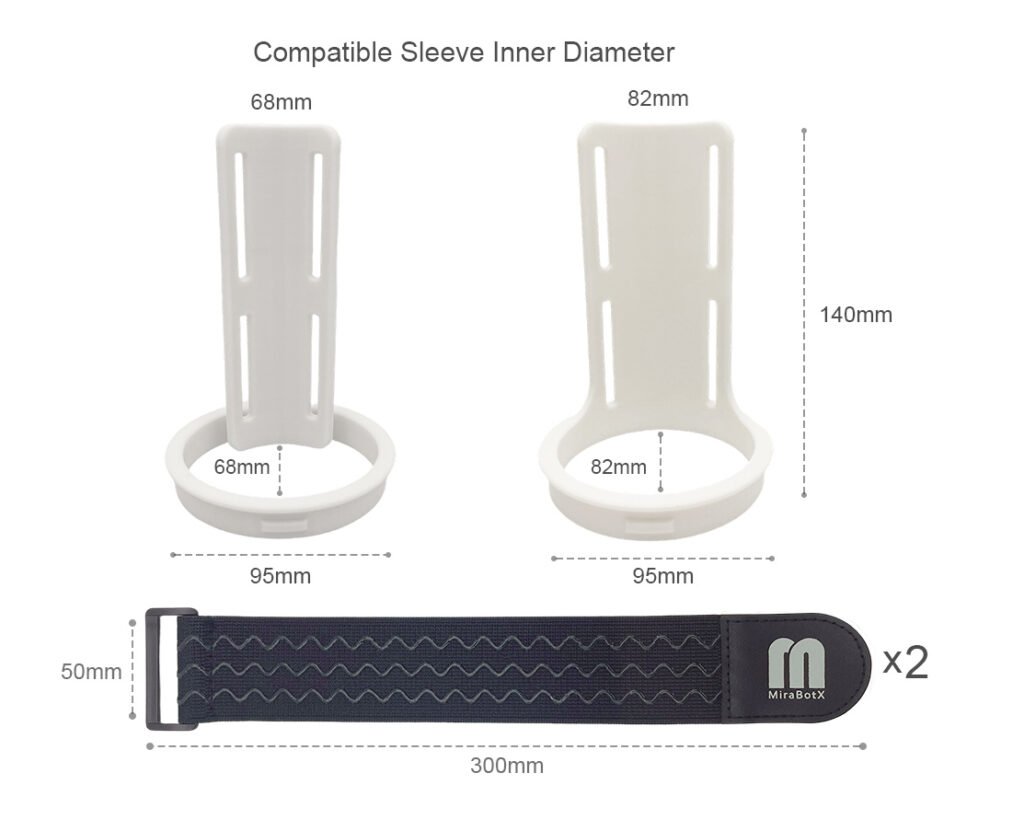
*Note: The Open Receiver for Twist has a default inner diameter of 68 mm. If you require the 82 mm version, please specify this in the order notes at checkout.
Full Set 【Now Upgraded with MiraLube】
Full Set now includes the new MiraLube upgrade, giving you a more complete and more advanced setup right out of the box. During the launch period, this updated Full Set is available at a special limited-time price.
Set Contents:
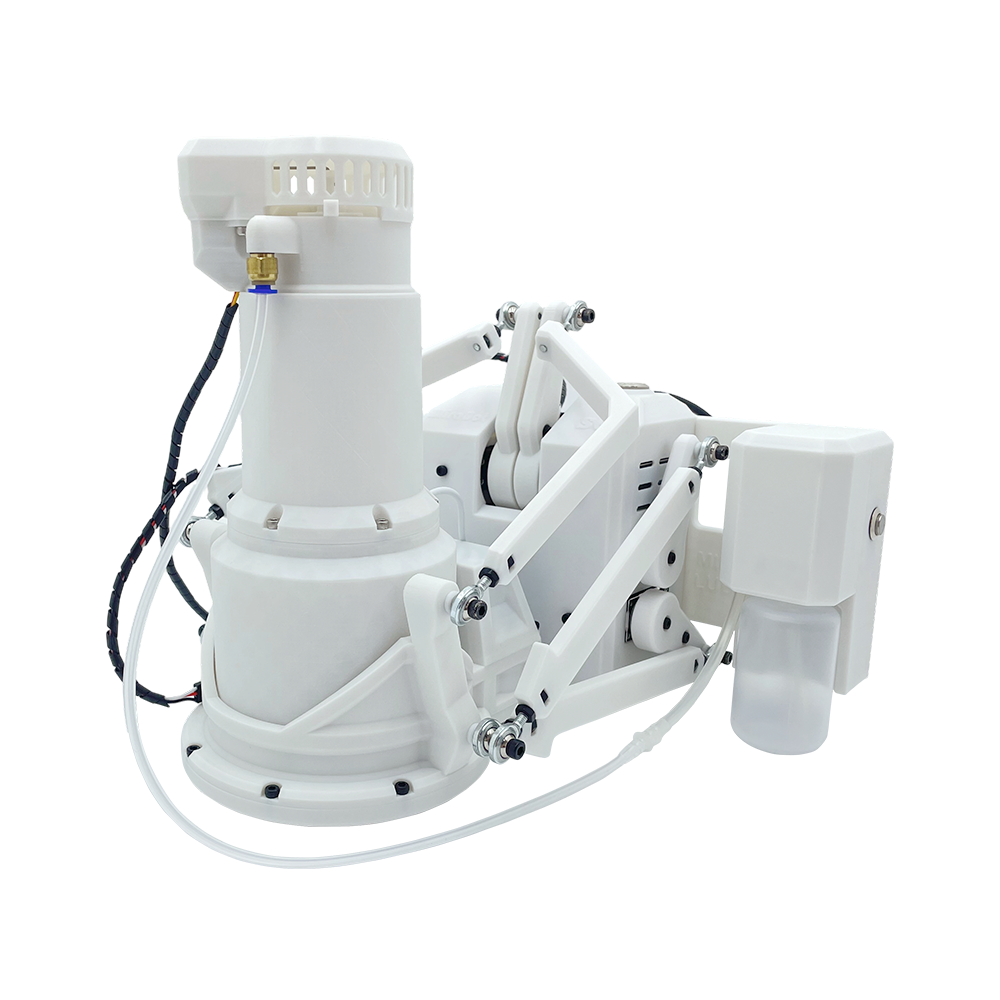
- MiraBot S6 (with Twist Module)
- Desk Mount
- Twist Heated Receiver Sleeve Set
- Open Receiver for Twist
- MiraLube (New Upgrade)
- T-Valve (MiraLube Compatible)
- Power Adapter
- USB Cable (1.5m)
- Tool Kit
Bonus Gifts:
- Warmer with Overheat Protection
- Cleaning Brush
- Drying Stick
*Note: The standard inner diameter of the Twist Open Receiver is 68 mm. If you require the 82 mm version, please be sure to specify this in the order notes at checkout.
The default sleeve type is Vaginal. If you prefer the Anal or Oral sleeve type, please also indicate your preference in the order notes when placing your order.
❚ Expansion Modules for Full Set
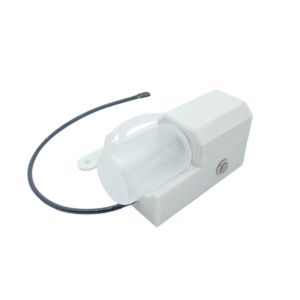
Lubricant Inlet
Manual Boost Button
Bottle with a 60 ml capacity
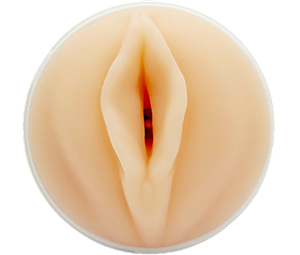
MiraLube
Key Features
・Live Control
・Hands-Free Auto Mode
・Record .lube.funscript Actions
・Easy to Install & Refill
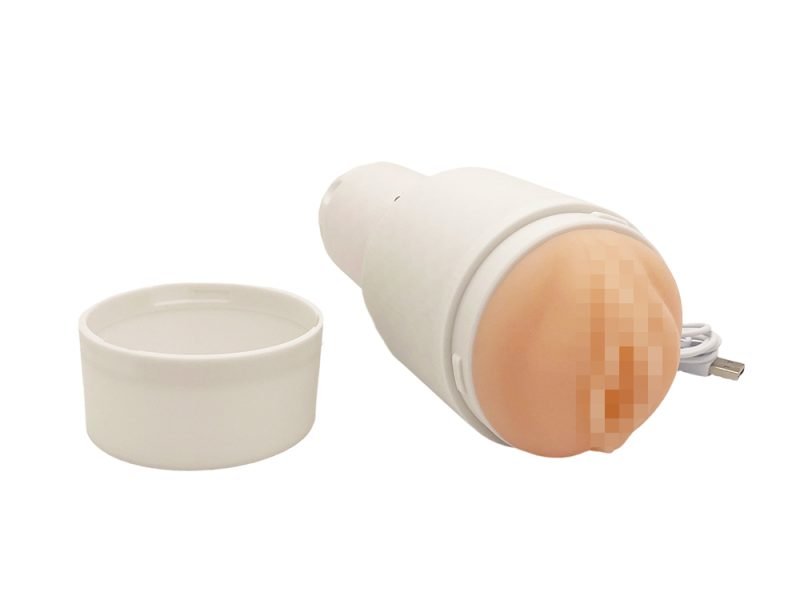
❚ MiraLube — Advanced auto-lube module for MiraBot S6
MiraLube brings lubrication into the core workflow with live control, hands-free Auto Mode, and recordable .lube.funscript playback.
- Live control in MiraPlay AiO
- Hands-free Auto Mode
- Record
.lube.funscriptactions - Easy to install & refill
- Manual boost button
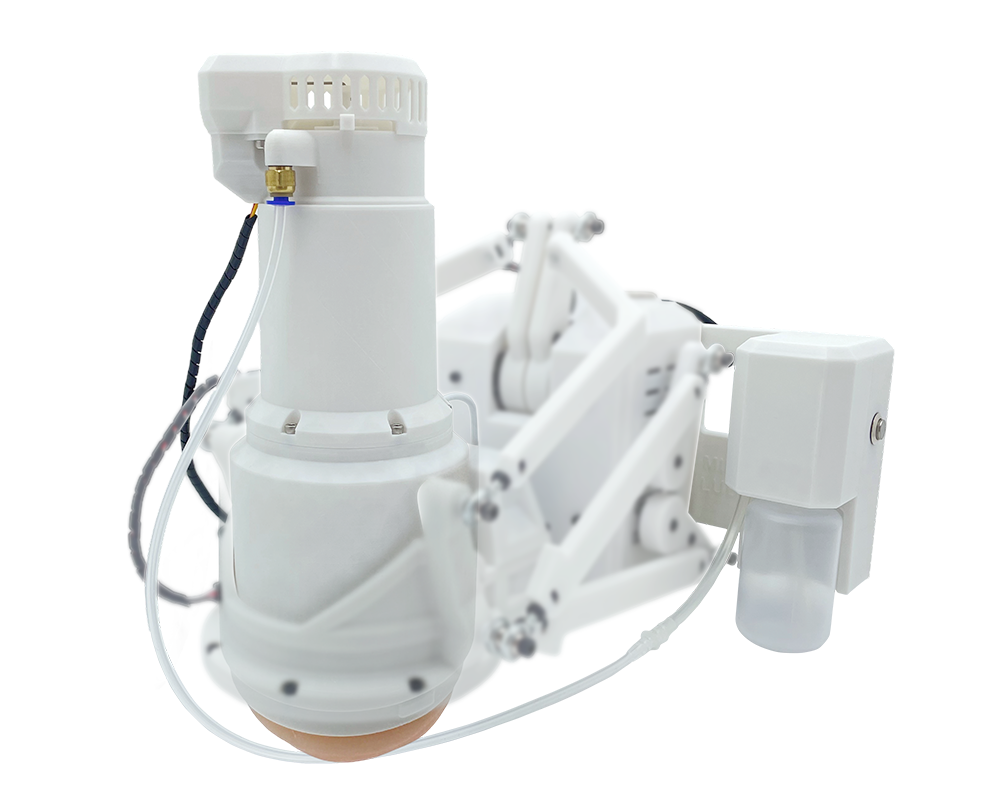
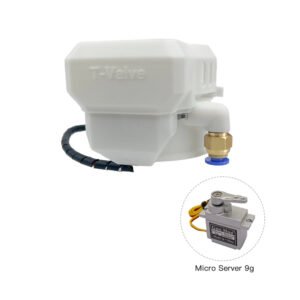
❚ T-Valve — Intelligent pressure control module for MiraBot S6
T-Valve makes suction behavior a more complete part of the motion workflow with Auto Mode, manual control, and recordable valve actions.
It adds more flexible, precise, and reusable pressure control to the MiraBot S6 experience.
- Auto + manual control in MiraPlay AiO
- Adjustable closing level in Auto Mode
- Record
.valve.funscriptactions for playback - Works with Video Sync Player and Online Play
- More flexible and immersive pressure control
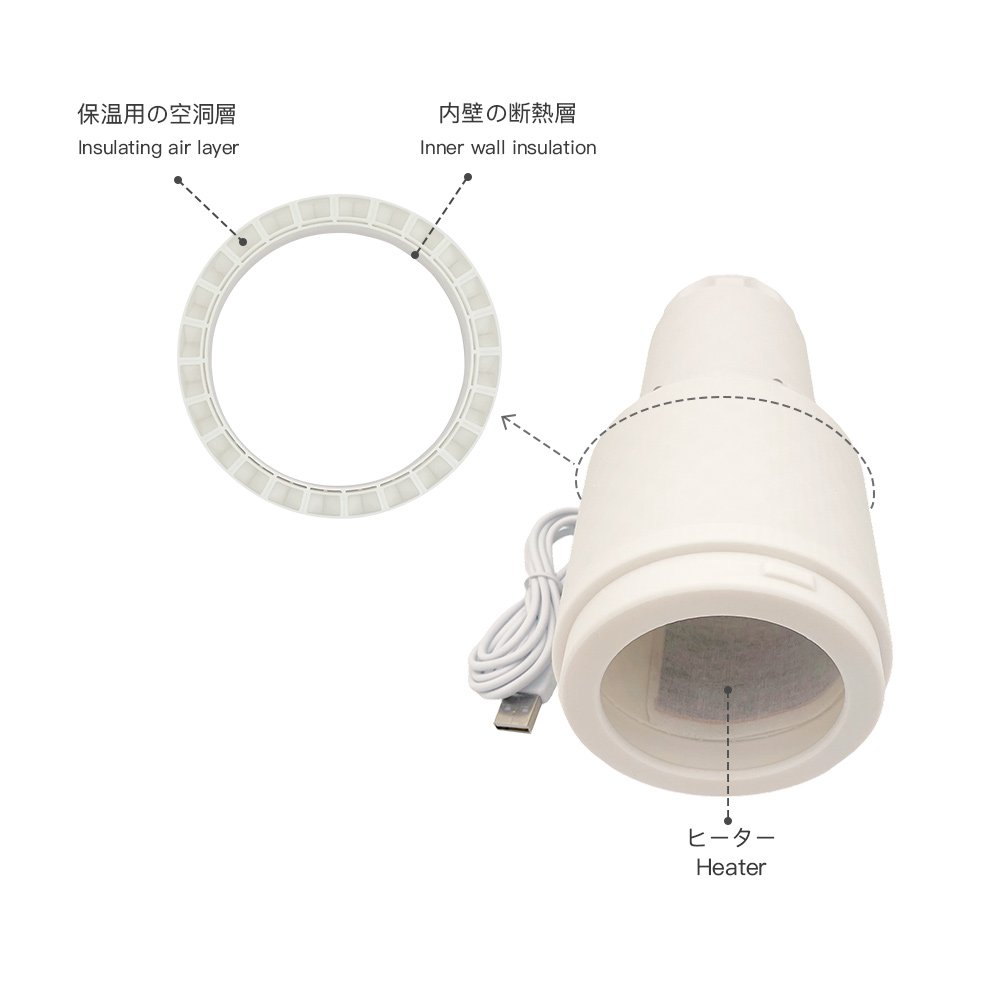
❚ Twist Heated Receiver Sleeve Set — Ready-to-use sleeve set for Twist
The Twist Heated Receiver Sleeve Set combines the Twist Heated Receiver with a dedicated sleeve for a warm, ready-to-use experience in both standalone mode and MiraBot integration.
- Compatible with Twist Module
- Supports multiple sleeve types
- Built-in heater warms to about 36°C
- Insulated structure helps maintain comfortable temperature
- Includes a protective cap for transport and hygiene
- Expandable with T-Valve and i-Lube
❚ Open Receiver for Twist
Compatible with most standard soft sleeves and available in 68 mm or 82 mm, the Open Receiver for Twist helps you achieve a better fit for different sleeve sizes.
68 mm is included by default. If you prefer 82 mm, please leave a note with your order.
❚ Dedicated Desk Mount
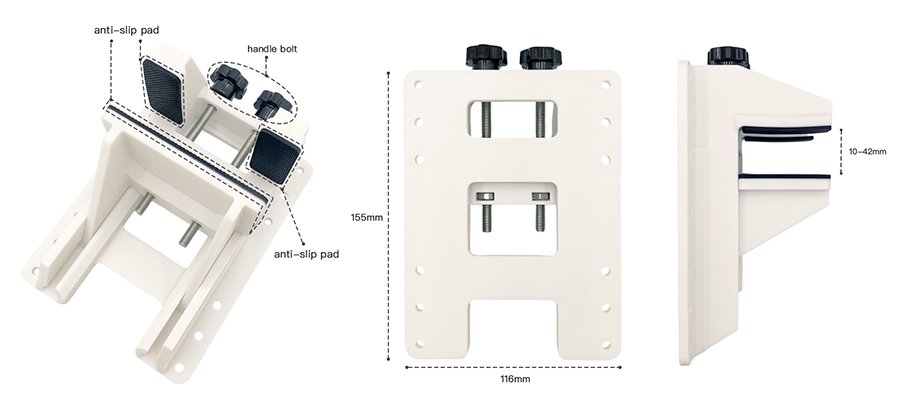
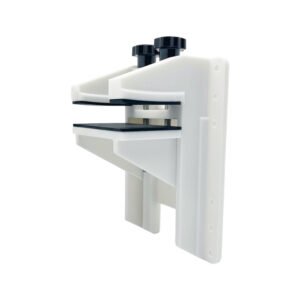
The Dedicated Desk Mount is built to provide more secure support for the MiraBot S6 and improve overall stability during operation.
- Designed specifically for MiraBot S6
- Three adjustable height positions
- Helps stabilize the device more firmly
- Significantly reduces vibration during operation
Model Comparison
MiraBot Lite vs MiraBot S6
Compare the main differences between MiraBot Lite and MiraBot S6, including motion axes, servo motors, sleeve weight, connection options, software ecosystem, and expansion modules.
| Comparison | ||
|---|---|---|
| Motion & Structure | ||
| Motion Axes |
Open Model: Stroke, Roll, Pitch Twist Model: Stroke, Roll, Pitch, Twist rotation |
Open Model: Stroke, Roll, Pitch, Sway, Surge Twist Model: Stroke, Roll, Pitch, Sway, Surge,Twist rotation |
| Number of Servo Motors |
Open Model: 3 Twist Model: 4 |
Open Model: 6 Twist Model: 7 |
| Recommended Sleeve Weight |
Open Model: under 850 g Twist Model: under 650 g |
Open Model: under 1,100 g Twist Model: under 900 g |
| Connection & Software | ||
| Wired Connection |
Supported USB Type-C wired connection for PC workflows. |
| Wireless Connection |
Available with either Bluetooth LE or Wi-Fi firmware. |
| Software Ecosystem |
MiraPlay AiO MiraPlay Web OSR-Compatible Software
Both models share the same MiraBot software ecosystem. MiraBot S6 offers more motion axes and expansion modules for advanced multi-axis playback, while MiraBot Lite provides a simpler, compact entry into the same ecosystem. | |
| Expansion & Accessories | ||
| Expansion Modules |
Twist Module Designed for a simpler, compact setup with fewer expansion modules. |
Twist Module T-Valve MiraLube T-Valve and MiraLube are included with selected Full Set configurations. |
| Best For |
Users who want a compact, beginner-friendly MiraBot model for easier setup and everyday use. |
Users who want fuller multi-axis motion, stronger expansion options, and the most complete MiraBot experience. |
About sleeve weight: The recommended sleeve weight is a practical guideline for stable motion performance. Actual results may vary depending on sleeve shape, mounting balance, motion speed, stroke range, and usage conditions. The Twist Model has a lower recommended sleeve weight because the Twist module itself adds additional load.
Choose MiraBot Lite if...
You want a compact, easier-to-start model for MiraPlay, video sync, and basic OSR-style motion.
Choose MiraBot S6 if...
You want fuller multi-axis motion, better expandability, and the most immersive MiraBot setup.
❚ FAQ
What’s the difference between MiraBot and OSR?
MiraBot is a ready-to-use interactive motion system developed with reference to OSR-style multi-axis motion technology.
Compared with typical DIY OSR builds, MiraBot focuses on improved stability, safety, appearance, internal structure, and ease of use.
To make the experience easier for beginners, we also provide dedicated software such as MiraPlay AiO and MiraPlay Web, along with official MiraBot firmware.
Depending on the app version, firmware, and device setup, you can use features such as VR video synchronization, gesture control, motion recording, custom motion playback, and selected online / remote play workflows.
Can OSR-compatible software also be used with MiraBot?
MiraBot is designed to support common OSR / T-Code-compatible workflows, so many OSR-compatible tools and platforms can be used with MiraBot.
This includes workflows involving tools or platforms such as MultiFunPlayer, Virt-a-Mate, SLR, FapTap, and other T-Code / OSR-compatible environments.
However, actual compatibility may vary depending on the software, plugin version, firmware version, connection method, and user configuration.
Some third-party software may also be designed for specific devices, custom firmware, or particular connection methods. We recommend checking the software requirements before use.
What’s the difference between MiraBot S6 and SR6? Are they compatible?
MiraBot S6 is an upgraded model developed with reference to the SR6-style multi-axis structure, with improvements in stability, usability, and finished-product design.
It features a modular design, allowing you to attach add-on modules such as Twist, T-Valve, and MiraLube, depending on your model and setup.
MiraBot S6 is designed to work with many SR6 / OSR-compatible T-Code workflows, including common Funscript-based playback setups.
Please note that compatibility may vary depending on the software, firmware version, connection method, and configuration.
Which one should I choose: MiraBot Lite or MiraBot S6?
The best option depends on how you plan to use it.
MiraBot Lite: Compact, beginner-friendly, and easy to start with. It is suitable for first-time MiraBot / OSR-style device users or those who want a simpler setup that does not take up much space.
MiraBot S6: A higher-end model designed for more advanced multi-axis motion, greater expandability, and a more complete experience.
If you are new to this type of device, MiraBot Lite is a good starting point. If you want more advanced motion and expansion options, MiraBot S6 is the better choice.
Can beginners who have never used OSR also use MiraBot?
Yes. MiraBot is designed to be easier to start with than typical DIY OSR builds.
Instead of requiring users to build, wire, flash, and configure everything from scratch, MiraBot is provided as a ready-to-use device with official software and firmware support.
For beginners, we recommend starting with MiraPlay AiO or MiraPlay Web, then exploring third-party OSR-compatible tools as needed.
We also provide user guides and setup resources to help first-time users get started with more confidence.
Can I install third-party firmware on MiraBot S6?
MiraBot S6 is designed to be compatible with many SR6 / OSR-style T-Code workflows, but we recommend using the official MiraBot firmware for the best compatibility with MiraPlay AiO, MiraPlay Web, and official support.
Installing third-party firmware may disable certain official software features or cause unexpected behavior.
Please note that startup failures, connection issues, or malfunctions caused by third-party firmware are not covered under the 30-day free replacement warranty.
Paid repair or recovery service may be available depending on the situation.
What should I do if the product I received is defective?
If the product you received has a problem, please contact our support team through the Contact Us Form as soon as possible.
Please provide your order number, the email address used for the order, and a brief description of the issue. Photos or videos are also helpful when available.
For eligible MiraBot products used under normal conditions, warranty support may be available for up to 30 days from delivery.
Depending on the nature of the issue and the verification results, we may provide troubleshooting support, replacement parts, or product replacement as appropriate.
For full details, please refer to our Refund Policy and Warranty Policy.
How long can MiraBot products be used?
The usable life of a MiraBot device depends on usage conditions, motion settings, load, maintenance, and overall frequency of use.
Certain high-load mechanical components, such as drive-related parts, may wear over time depending on how the device is used.
To help maintain stable performance, we recommend avoiding excessive load, using reasonable motion settings, and following the official setup and maintenance guidance.
If a component issue occurs after the warranty period, please still feel free to contact us. We may be able to provide troubleshooting guidance, replacement parts, or paid repair / replacement options depending on the situation.
Related Products
-
MiraLube – Real-Time, Scriptable Auto-Lube Module for MiraBot S6
¥12,350 – ¥18,800Price range: ¥12,350 through ¥18,800 -
Twist Heated Receiver Sleeve Set
¥11,370 -
Desk Mount for MiraBot S6
¥7,350 -
MiraBot High-Torque, Ultra-Silent Coreless Servo Motor | 35kg ・180°/270°
¥6,380 – ¥6,530Price range: ¥6,380 through ¥6,530 -
T-Valve Air Control Module
¥4,930 – ¥6,380Price range: ¥4,930 through ¥6,380